What is AI Image SEO Toolkit?
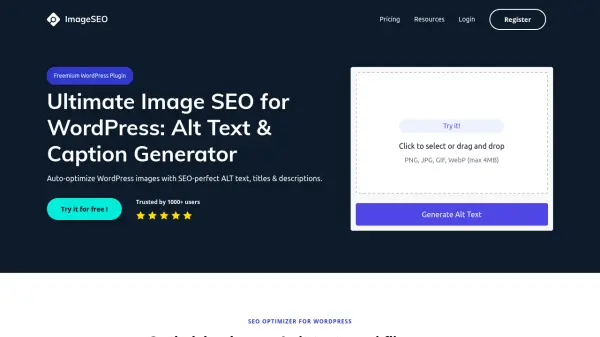
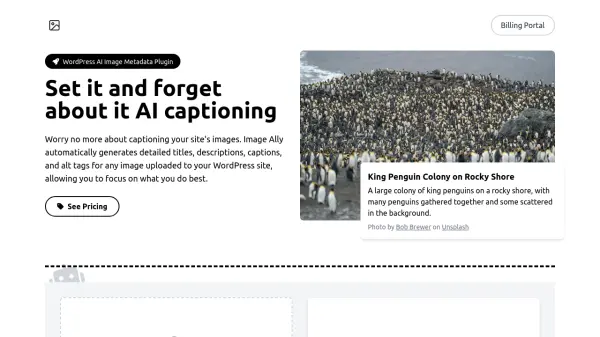
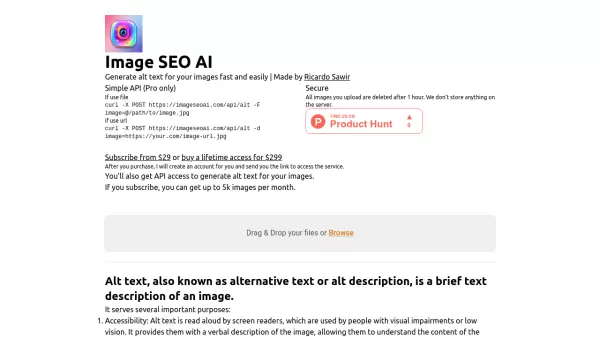
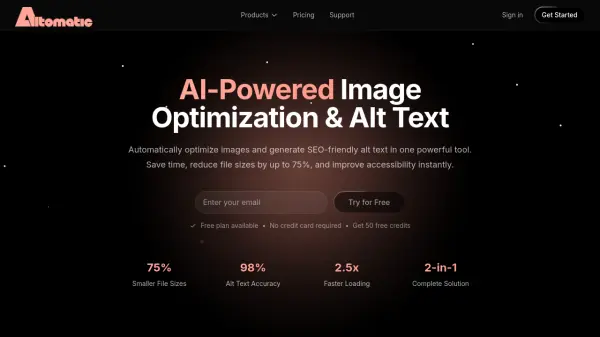
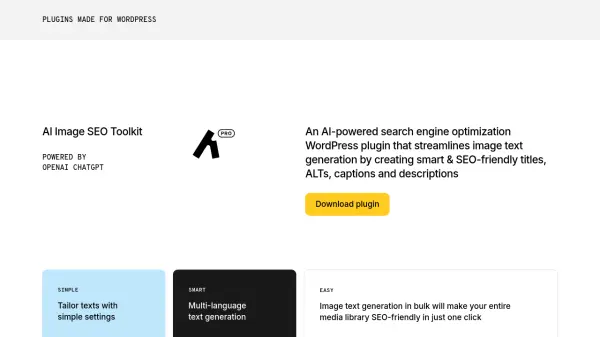
The AI Image SEO Toolkit is an AI-powered WordPress plugin designed to enhance your website's search engine optimization. It streamlines the process of image text generation by automatically creating smart and SEO-friendly titles, ALT texts, captions, and descriptions.
Powered by OpenAI's ChatGPT, the plugin offers simple tuning options to tailor image texts to your specific website and audience. It supports multi-language text generation in over 50 languages. The AI Image SEO Toolkit offers both a free and a pro version, allowing users to optimize their images and improve search visibility efficiently.
Features
- Text Generation: Generates SEO-friendly titles, ALT texts, captions, and descriptions for images.
- Multi-language Support: Generates image texts in over 50 languages.
- Bulk Image Optimization: Optimizes multiple images simultaneously for improved efficiency.
- Simple Tuning Options: Allows users to adjust image text generation settings.
- Selective generation: based on image size and text status
- Text Generation Status Tracking: Track text generation.
Use Cases
- E-commerce websites optimizing product images for search.
- Blogs enhancing image SEO for increased organic traffic.
- News sites improving image discoverability in search results.