What is Add Deceased Loved One to Photo?
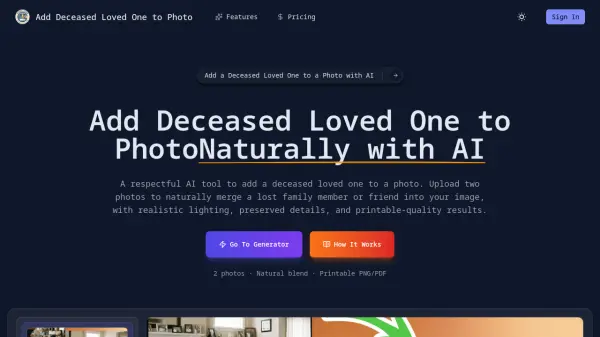
This AI-powered photo editing tool enables families to respectfully incorporate a deceased loved one into existing photographs. By utilizing advanced artificial intelligence technology, the system carefully merges images while maintaining natural lighting, shadows, and proportions to create realistic results that preserve the authenticity of the original photo.
The tool processes two uploaded photos - a base group photo and an image of the deceased loved one - to generate high-resolution PNG or PDF files suitable for printing and framing. All original people, facial expressions, and background details remain unchanged throughout the editing process, ensuring the final image maintains emotional authenticity while honoring the memory of the missing family member.
Features
- AI-Powered Photo Blending: Advanced AI technology carefully adds a deceased loved one to your photo, blending them naturally into the scene without obvious editing or artificial effects
- Accurate Lighting and Shadow Matching: The system automatically adapts lighting direction, brightness, and shadows so the added loved one matches the original photo environment realistically
- Natural Facial Expression Alignment: Facial expressions and posture are subtly adjusted to match the mood of the group photo, creating a cohesive and emotionally authentic result
- Seamless Background Integration: The added person is integrated smoothly with the original background, preserving scenery, depth, and composition for a lifelike appearance
- High-Resolution, Printable Output: Generate high-quality PNG or PDF images suitable for printing, framing, or sharing as lasting memorial or family keepsakes
- Privacy-First and Secure Processing: Your photos are processed securely and privately with uploaded images never shared and automatically handled with strict data protection
Use Cases
- Creating memorial photos to honor deceased family members
- Completing family portraits with missing loved ones
- Producing emotional keepsakes for grieving families
- Generating realistic photos for memorial services
- Creating framed photos for home remembrance displays
- Sharing completed family photos with relatives
FAQs
-
How realistic does adding a deceased loved one to a photo look?
The AI creates natural-looking results by carefully matching lighting, shadows, scale, and perspective to make the added person appear authentically part of the original photo. -
What types of photos work best for adding a deceased loved one?
Clear photos with good lighting and visible facial features work best, though the AI can process various image qualities while maintaining respectful results. -
Can I use old or low-quality photos of a deceased loved one?
Yes, the AI technology can work with older or lower-quality photos while striving to maintain natural and respectful results in the final image. -
Is it respectful to add deceased loved one to a photo?
The tool is designed specifically for respectful memorial purposes, helping families create meaningful keepsakes while honoring their loved ones' memory. -
How long does it take to add deceased loved one to photo?
The AI processing typically completes quickly after photo upload, allowing users to preview results and download high-resolution images promptly.