What is Adadot?
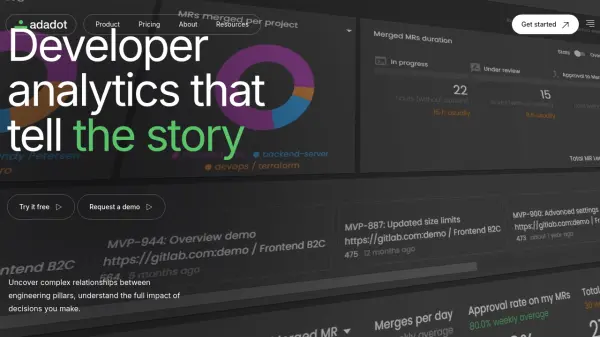
Adadot is a developer analytics platform that provides comprehensive insights into engineering team performance and well-being. The platform goes beyond surface-level metrics by analyzing data from your integrated development tools, benchmarking it against 50,000 active developer datasets.
Adadot uses four layers of statistical analysis and normalization, painting a comprehensive picture of developer activities, identifying areas where engineering efforts are focused, and even models the impact of theoretical changes. The core goal of Adadot, is to enable data-driven decisions to improve team performance and developer well-being.
Features
- Data Analysis: Benchmarked against 50,000 active developer datasets.
- Statistical Rigor: Four layers of statistical analysis and normalization.
- Developer Well-being: Insights into developer well-being and collaboration health.
- "What if" Scenario Analysis: Causal data models to predict the impact of changes.
- Comprehensive Data Integration: Pulls data from development tooling and communication channels.
- Effort Analysis: Uncover areas where engineering effort is invested
Use Cases
- Optimize developer workflows
- Improve team collaboration
- Predict the impact of engineering decisions
- Identify areas for improvement in engineering processes
- Manage expectations with stakeholders
- Understand developer well-being
- Enhance software quality
- Improve delivery time estimates