What is Xinva?
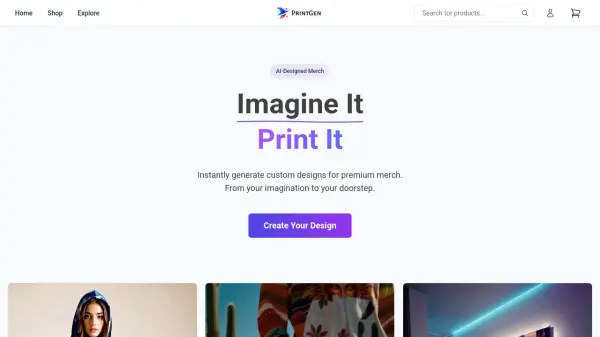
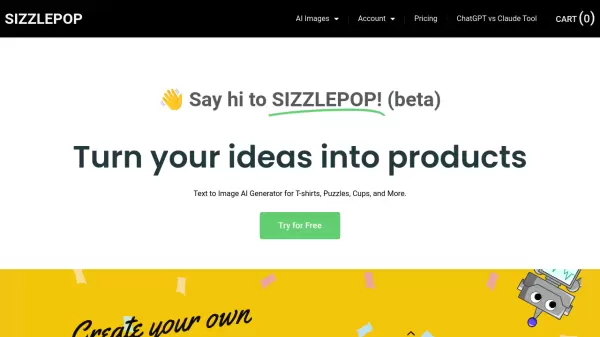
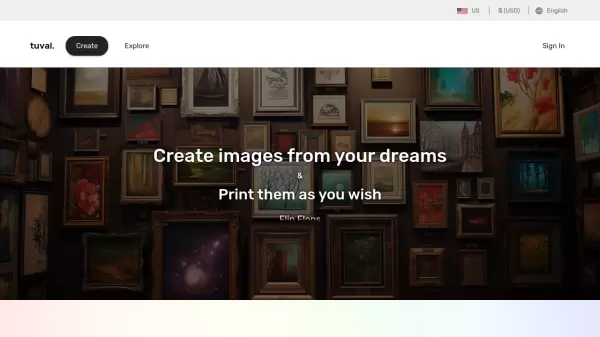
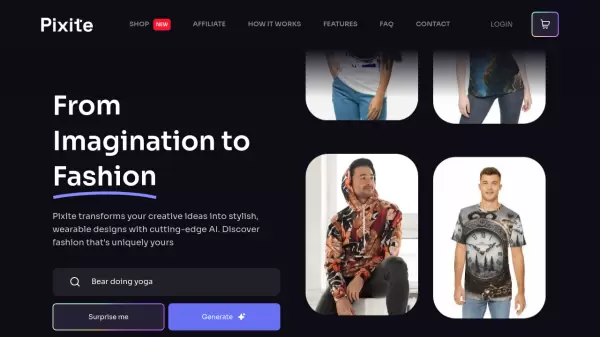
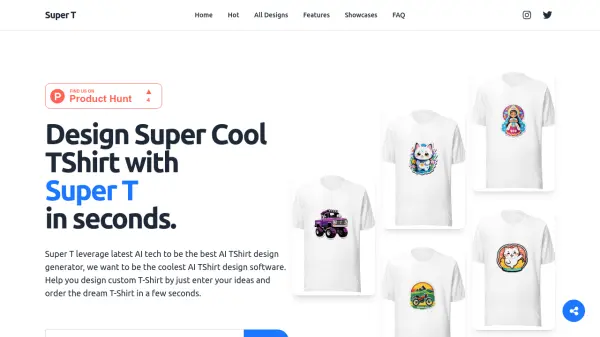
Xinva harnesses machine learning and artificial intelligence technology to revolutionize the design creation process for print-on-demand businesses. The platform transforms imaginative concepts into high-quality visual designs through a sophisticated AI engine, offering automatic background removal and super-high resolution outputs.
The system specializes in generating various design types including t-shirts, stickers, patterns, furry art, and tattoos, enabling users to rapidly expand their design inventory without traditional design tools or expertise. With its focus on commercial usage and business scalability, Xinva serves as a comprehensive solution for designers, freelancers, editors, and business owners looking to streamline their creative workflow.
Features
- High Resolution Output: Automatic upscaling of generated designs
- Background Removal: Automated background removal tool
- Commercial Usage: Licensed for business and commercial applications
- Multiple Design Types: Specialized generators for t-shirts, stickers, patterns, and more
- Prompt-Based Generation: Text-to-image design creation system
- Weekly Prompt Newsletter: Curated prompt suggestions for better results
Use Cases
- Print-on-demand business design creation
- T-shirt design generation
- Sticker design production
- Pattern design development
- Furry art creation
- Tattoo design conceptualization
- NFT artwork generation
- Commercial merchandise design
FAQs
-
How do I create better designs with prompts?
Use detailed, descriptive prompts that include style, elements, colors, and artistic techniques. For example, instead of 'monkey driving motorcycle,' use 'Vectorized design of a cartoon monkey driving a motorcycle in summer, detailed, vintage, playful, vivid color.'