Writepaw favicon

Writepaw
Your AI Writing Assistant for High-Quality Content Creation.

What is Writepaw?

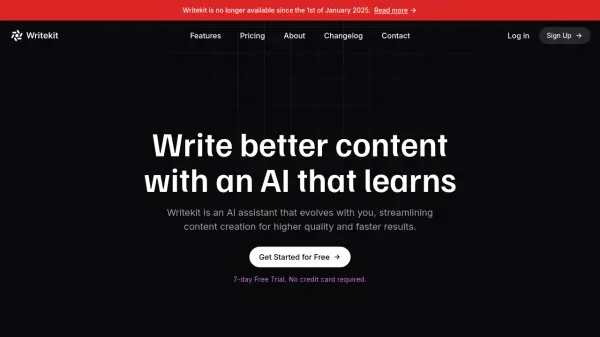
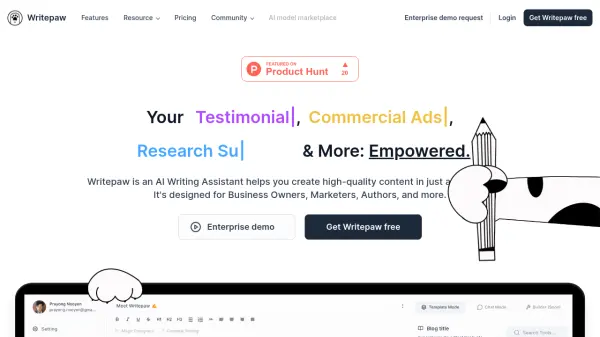
Writepaw empowers users to create high-quality content rapidly. This AI-driven tool assists in crafting compelling content, saving significant time and resources.

It offers diverse functionalities, including generating product descriptions, crafting social media posts, and designing custom prompt templates. With its ability to support multiple languages and tones, Writepaw tailors content for a range of applications, boosting both productivity and creative output.

Features

  • Product Information: Creates compelling product descriptions with SEO optimization, readability enhancement, and translation.
  • Social Post: Crafting fresh, cool post and caption ideas for marketers.
  • Custom Prompt Templates: Design unique, highly-specific templates for your team's needs.
  • Pre-built Prompt Templates: Generate unique ideas for content creation, saving time and enhancing creativity.
  • Free Style Chat Mode: Allows for a more natural and flexible conversation with AI.
  • Writing Governance (Soon): AI writing platform that can be customized based on your top-performing content and brand guidelines.

Use Cases

  • Generating marketing content.
  • Creating product descriptions.
  • Developing social media posts and captions.
  • Designing custom prompt templates for team use.
  • Enhancing content with a conversational AI approach.

FAQs

  • What languages does Writepaw support?
    Writepaw supports over 38 languages.
  • What tones of voice can I use with Writepaw?
    Writepaw provides over 22 tones of voice to customize your writing.

Helpful for people in the following professions

Related Tools:

Blogs:

  • Top 6 AI note-taking tools for 2026: in-person, online, and hybrid use cases

    Top 6 AI note-taking tools for 2026: in-person, online, and hybrid use cases

    Most AI note-taking lists are really lists of meeting bots, which join your video call and transcribe it. That's useful, but it's half the picture. Decisions happen in hallway conversations, client dinners, on-site visits, and hybrid rooms where nobody is on a video link. This guide covers different parts of the note-taking workflow: hardware capture for in-person settings, platform-native tools for online calls, and AI layers for organizing and synthesizing what you've captured. It compares six tools by capture context, workflow fit, pricing, and limitations.

  • Top AI tools for Teachers

    Top AI tools for Teachers

    Explore the top AI tools designed for teachers, revolutionizing the education landscape. These innovative tools leverage artificial intelligence to enhance teaching efficiency, personalize learning experiences, automate administrative tasks, and provide valuable insights, empowering educators to create engaging and effective educational environments.

  • Ghibli Art Generator AI tools

    Ghibli Art Generator AI tools

    List of the best AI tools to turn your photos into images that look like Studio Ghibli movies. Easy to use and fun for everyone.

Didn't find tool you were looking for?

Be as detailed as possible for better results