
What is Wrangle?
Wrangle revolutionizes the tech job search process by combining AI-powered tools with comprehensive job matching capabilities. The platform maintains an up-to-date database of tech positions from multiple sources, ensuring users have access to the latest opportunities from both established companies and startups.
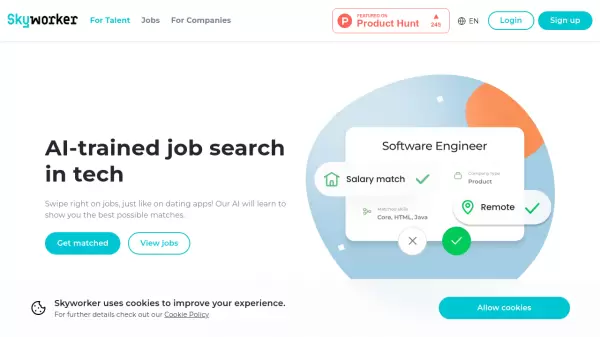
Through its intelligent matching algorithm, the platform learns from user preferences to deliver increasingly relevant job recommendations. Features include AI-assisted resume creation, automated job tracking, and a personalized AI copilot that provides career guidance and application support.
Features
- AI Resume Builder: Create custom optimized resumes with multiple templates
- Intelligent Job Matching: Algorithm learns from likes/dislikes to improve recommendations
- AI Copilot: Personalized assistant for career and job search questions
- Automated Job Tracker: Easy tracking system for managing applications
- AI Application Assistant: Automated form filling synced with user profiles
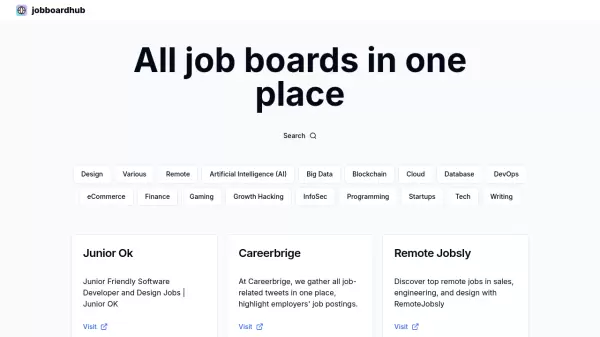
- Multi-source Job Database: Fresh listings from various platforms and companies
Use Cases
- Finding tech job opportunities
- Creating optimized resumes
- Tracking job applications
- Getting career guidance
- Applying to multiple jobs efficiently
- Discovering remote work opportunities
FAQs
-
Is Wrangle free?
Yes, Wrangle is completely free with no limitations on usage, no ads, and no data security concerns. -
What jobs does Wrangle offer?
Wrangle currently focuses on tech and remote jobs, with plans to expand offerings in the future. -
How do I know if I got a job?
Recruiters will reach out directly if they want to proceed with your application, and you'll receive a confirmation email.