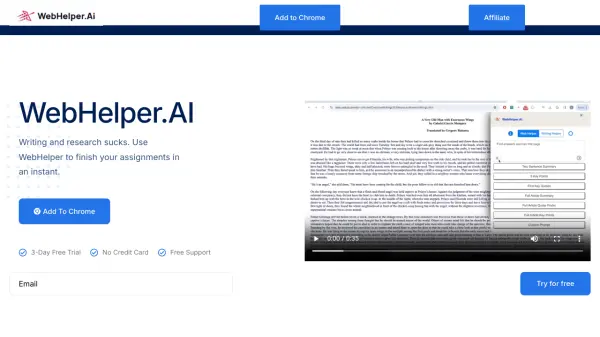
What is WebHelper.AI?
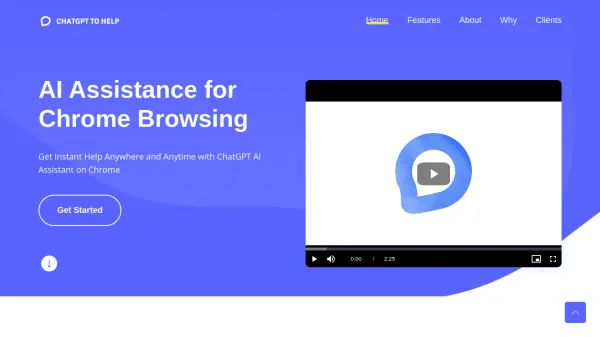
WebHelper.AI is an innovative tool designed to enhance your online browsing and writing experience. It acts as a real-time digital companion, offering immediate, tailored support based on the content you're viewing.
This tool seamlessly integrates with Google Docs and Slides, providing assistance with tasks such as generating text, finding quotes, and overcoming writer's block. WebHelper.AI streamlines the process of gathering information online and makes writing and slide design more efficient and effective through features like summarization and key point extraction.
Features
- Prompt Execution: Streamline full-page data submission for prompt execution.
- Seamless Integration: Works with Google Docs and Slides for efficient text selection and prompt initiation.
- Prompt Types: Offers simple text-to-text, text-to-image, and prompt-specific responses.
- Writing Helper: Provides assistance with writing, including generating text, finding quotes, and overcoming writer's block.
- Summarization: Makes gathering information on the web easier by providing summarizations and key point extraction.
Use Cases
- Streamlining research tasks by quickly gathering information.
- Enhancing writing in Google Docs with real-time assistance.
- Creating presentations in Google Slides with efficient content generation.
- Overcoming writer's block with creative solutions and suggestions.
- Generating images from text prompts within documents and presentations.
FAQs
-
Is there a free trial available?
Yes, you can try us for free for 3 days. If you want, we'll provide you with a free 30-minute onboarding call to get you up and running. -
Can I change my plan later?
Of course you can! Our pricing scales with your company. Chat to our friendly team to find a solution that works for you as you grow. -
What is your cancellation policy?
We understand that things change. You can cancel your plan at any time and we'll refund you the difference already paid. -
How does billing work?
Plans are per workspace, not per account. You can upgrade one workspace, and still have any number of free workspaces. -
How do I change my account email?
You can change the email address associated with your account by going to untitled.com/account from a laptop or desktop.