What is VideoTutor?
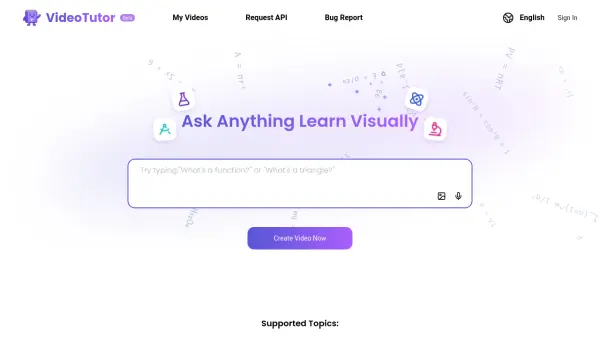
VideoTutor is an innovative educational tool that utilizes artificial intelligence to deliver clear, tailored video explanations in subjects including SAT Math, AP Math, STEM, and language learning. Designed for students preparing for standardized tests or seeking to improve academic performance, this platform provides AI-generated study videos and explanations that adapt to individual learning needs.
With professional-grade content and 24/7 AI teacher support, students can access personalized lessons and practice material at any time. VideoTutor enables effective learning from the comfort of home, empowering students to build confidence and improve scores through engaging, visually-driven instruction.
Features
- AI-Generated Study Videos: Delivers personalized video lessons based on individual learning needs
- Subject Coverage: Supports SAT Math, AP Math, STEM, and language proficiency
- Tailored Explanations: Offers clear, adaptive explanations for complex topics
- 24/7 AI Teacher Support: Enables continuous, on-demand help for students
- Self-Paced Learning: Allows students to study at their own convenience and schedule
Use Cases
- Preparing for the SAT Math section with targeted video lessons
- Mastering AP Math topics such as Calculus and Statistics
- Improving understanding of STEM subjects with visual explanations
- Building language skills including vocabulary and grammar
- Enhancing test preparation strategies with adaptive learning videos