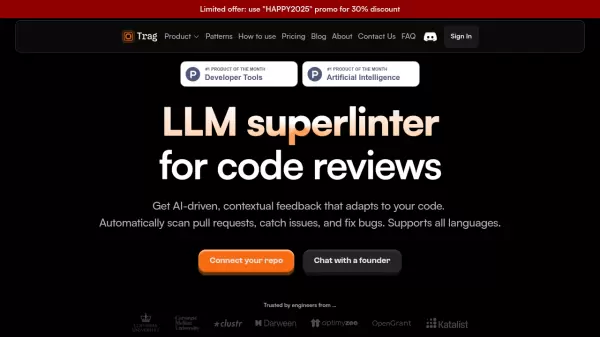
What is Trag?
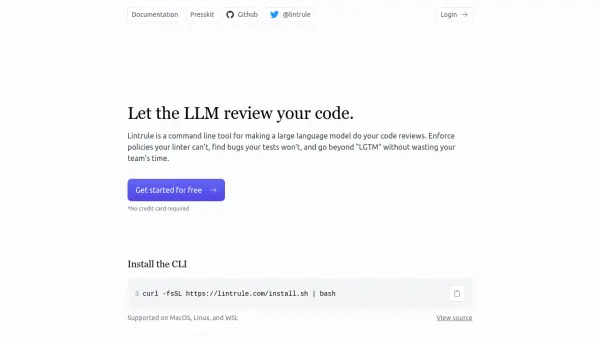
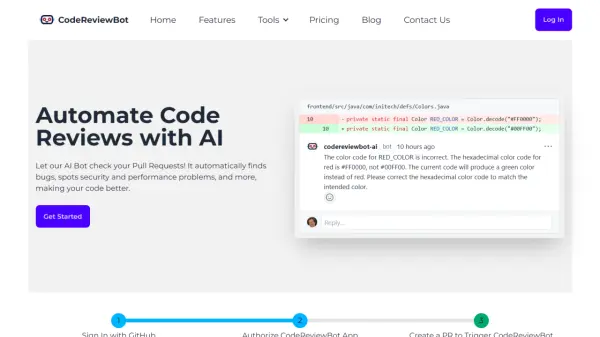
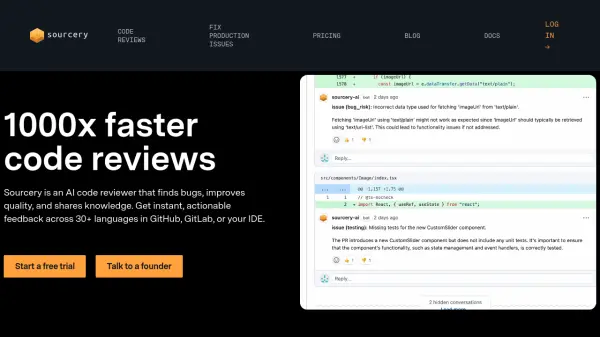
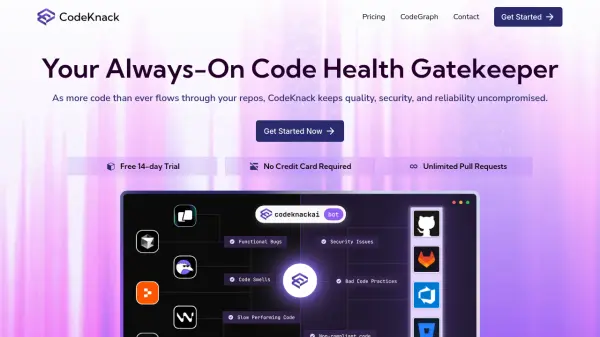
Trag is an innovative AI-powered code review platform that transforms the way developers maintain code quality. The tool provides automated, contextual feedback that adapts to specific codebases, automatically scanning pull requests, flagging potential issues, and suggesting fixes across all programming languages.
Built with a focus on developer efficiency, Trag offers customizable rule-based reviews, real-time CLI feedback, and seamless integration with major repository platforms. The platform's context-aware analysis ensures that suggestions are relevant and meaningful, while supporting team collaboration through shared repositories and custom rule creation.
Features
- Automated Code Review: Runs automatic checks to maintain code cleanliness
- Language-Agnostic Support: Works with any programming language
- Custom Rule Creation: Define code patterns and rules in plain English
- Real-time CLI Feedback: Immediate code analysis in terminal
- Context-Aware Analysis: Provides relevant suggestions based on project context
- Repository Integration: Seamless connection with GitHub and GitLab
- Team Collaboration: Shared repository access and custom rule creation
- Pull Request Integration: Automatic code review and comment generation
Use Cases
- Automated pull request reviews
- Code quality maintenance
- Team coding standards enforcement
- Bug detection and prevention
- Code duplication identification
- Security vulnerability scanning
- Coding best practices implementation
FAQs
-
Which repository platforms does Trag support?
Trag currently supports GitHub and GitLab, with Bitbucket and Azure DevOps support coming soon. -
Is Trag free for open source projects?
Yes, Trag is free forever with full functionality for open source projects.