What is TeamAI?
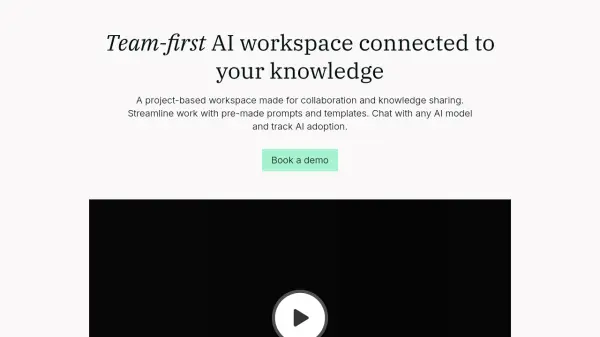
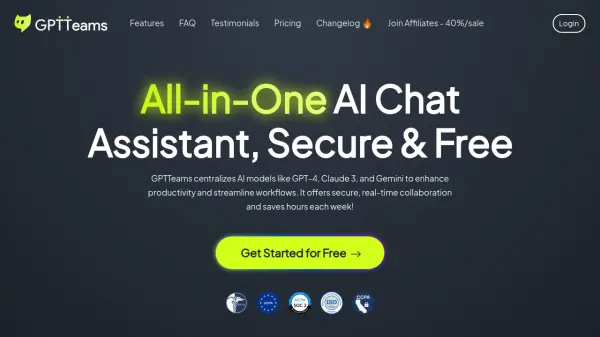
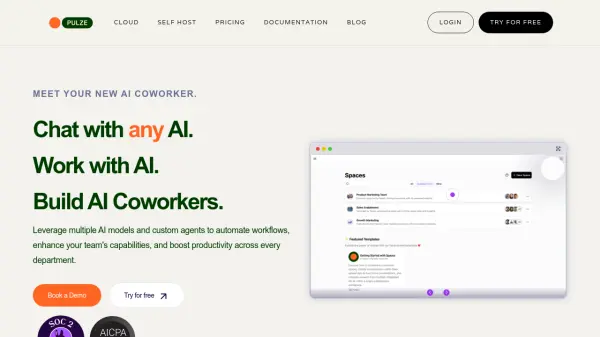
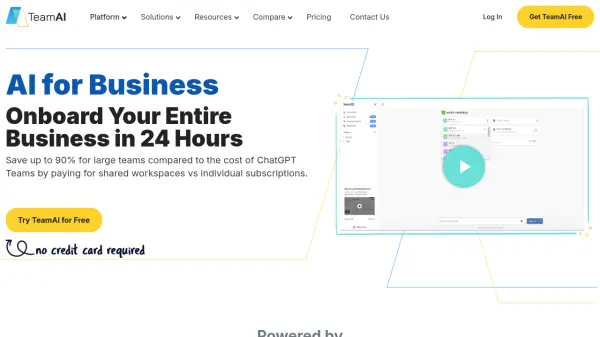
TeamAI offers a centralized platform for businesses to access and utilize multiple leading AI models. It eliminates the need for individual subscriptions to services like ChatGPT, Claude, Poe, or Gemini, providing a unified workspace and significant cost savings.
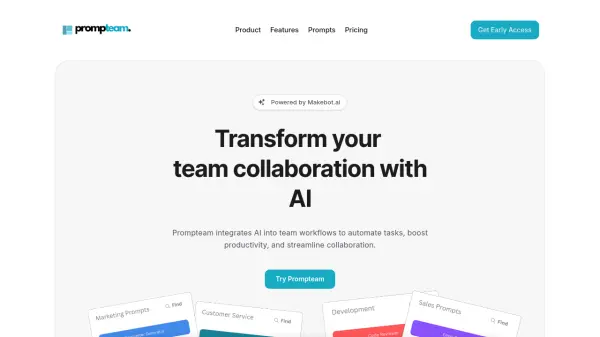
The platform enables the deployment of custom workflows, shared prompt libraries, and AI data hubs, facilitating faster AI integration and collaboration across teams. Businesses can create and deploy specialized AI agents trained on their specific processes, enhancing productivity and efficiency.
Features
- Multiple Models: Access to leading AI models through one platform.
- Workspaces vs Seats: Unified AI workspace for custom agents, prompt libraries, and workflows.
- Shared Prompt Libraries: Share proven prompts across the organization.
- AI Data Hubs: Centralized document, file, and web resource analysis.
- Custom Agents: Deploy specialized AI agents trained on business playbooks.
- Embedded Chatbots: Customer-facing AI Assistants.
- Automated Workflows: Customizable process roadmaps for AI solutions.
- Custom Plugins: Connect AI Assistant to third-party applications.
Use Cases
- Streamlining sales processes with AI-powered insights.
- Enhancing marketing campaigns through AI-driven analysis and content generation.
- Improving design workflows with AI assistance.
- Automating business administration tasks.
- Optimizing HR and hiring processes.
- Creating personalized learning environments.
FAQs
-
What is an OpenAI API key and do I need to pay for one?
An OpenAI API key allows you to integrate ChatGPT and other OpenAI products within third-party apps, products and services. If you want to use Gemini, LLaMA, OpenAI, etc, you would need to track down and manage these yourself. TeamAI simplifies this process. Simply sign in and go. -
Do I have to pay ($20/month) for ChatGPT Plus if I want to use TeamAI?
You do not need a ChatGPT Plus subscription to use TeamAI. In fact, you get access to the best models on the market while also saving money. Or if you’re the type that loves anything free, you can sign up for our free trial to get access to a limited number of prompts per week. -
Does the chat sync up across devices?
Yes, chat synchronization automatically occurs across all devices. -
Does TeamAI store prompts and responses, and how is this data used?
Yes, TeamAI does store prompts and responses. This data is primarily used to provide users with a curated library of their pre-existing content to streamline the development of new chat prompts or to reference previous interactions. To address privacy and data-sharing concerns, the stored data is handled as follows: User level storage: Prompts and responses are stored on a per-user basis. This ensures that data remains associated with the user who created it and is not exposed to others without proper authorization. User-controlled team sharing: Data sharing with other team members is entirely at the discretion of the user. Prompts and responses are only shared within a team when the user explicitly allows it. Users have full control over what content is shared and can manage accessibility at any time. Data usage: Stored prompts and responses are not used for any purposes other than providing value to the user through the Prompt Library and Chat Search History.This ensures that your data remains protected and serves only to enhance your experience using TeamAI. TeamAI carefully manages stored prompts and responses to keep data secure, confidential and utilized solely for the purpose of improving your experience with the platform. Our user-centric approach to data storage and sharing helps facilitate effective collaboration. Data Hub uploads, stored prompts and responses are not used by TeamAI for model training purposes. Nor do we share data with third-parties for these purposes.