Tap Mobile favicon

Tap Mobile
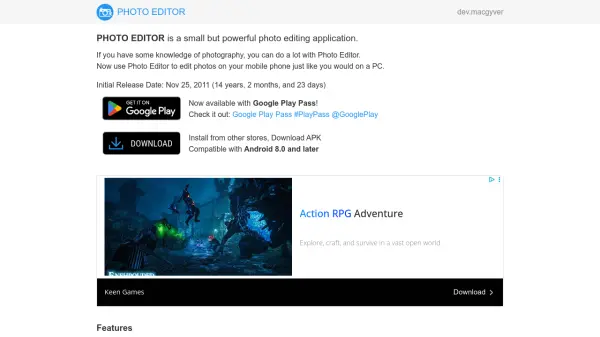
Professional-Level Editing at Your Fingertips

What is Tap Mobile?

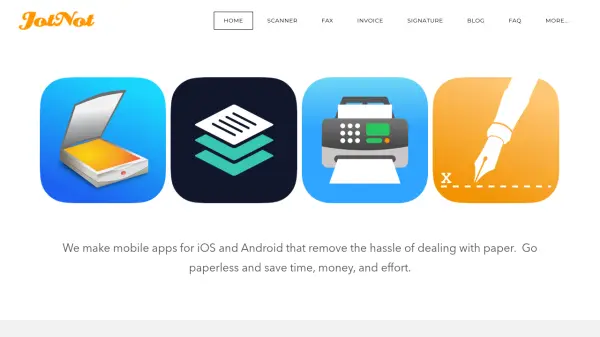
Tap Mobile creates hit mobile applications by transforming great ideas into elegant software. They utilize state-of-the-art technologies to provide users with new capabilities, previously accessible only to professionals.

Tap Mobile's design and cutting-edge tech empower users with intuitive tools. This allows individuals to achieve professional-level results in document editing, photo editing, and scanning.

Features

  • Document Editing: Edit Documents With A Single Tap
  • Photo Editing: Edit Photos With A Single Tap
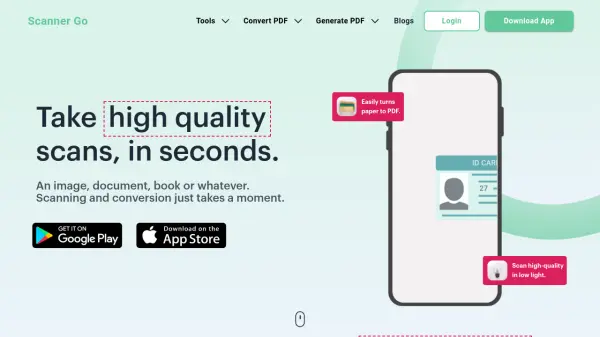
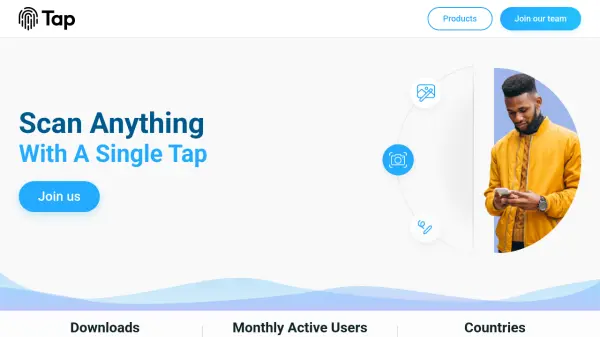
  • Scanning: Scan Anything With A Single Tap
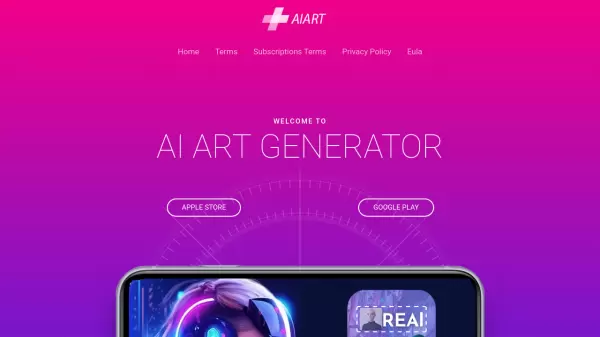
  • Art Personalization: Personalize your phone with great art

Use Cases

  • Enhancing photos for social media
  • Creating professional-looking documents on mobile
  • Scanning documents and converting them to digital format
  • Personalizing phone interfaces with unique artwork

Helpful for people in the following professions

Related Tools:

Blogs:

  • Long Videos into Viral Shorts

    Long Videos into Viral Shorts

    Klap.app is an AI-powered video editing tool that transforms long-form videos into engaging short clips optimized for platforms like TikTok, Instagram Reels, and YouTube Shorts

  • Best AI tools for recruiters

    Best AI tools for recruiters

    These tools use advanced algorithms and machine learning to automate tasks such as resume screening, candidate matching, and predictive analytics. By analyzing vast amounts of data quickly and efficiently, AI tools help recruiters make data-driven decisions, save time, and identify the best candidates for open positions.

  • Top 6 AI note-taking tools for 2026: in-person, online, and hybrid use cases

    Top 6 AI note-taking tools for 2026: in-person, online, and hybrid use cases

    Most AI note-taking lists are really lists of meeting bots, which join your video call and transcribe it. That's useful, but it's half the picture. Decisions happen in hallway conversations, client dinners, on-site visits, and hybrid rooms where nobody is on a video link. This guide covers different parts of the note-taking workflow: hardware capture for in-person settings, platform-native tools for online calls, and AI layers for organizing and synthesizing what you've captured. It compares six tools by capture context, workflow fit, pricing, and limitations.

Didn't find tool you were looking for?

Be as detailed as possible for better results