What is Tadata?
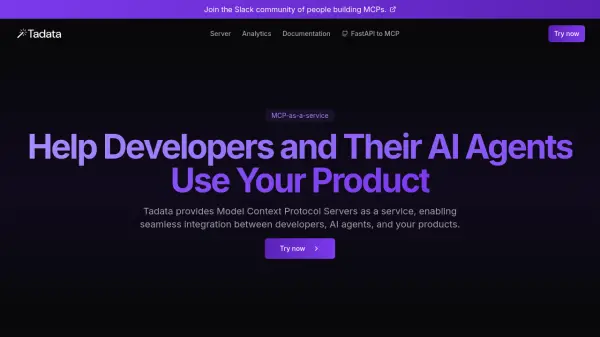
Tadata provides Model Context Protocol (MCP) servers as a service, designed to facilitate seamless integration between developers, AI agents, and various digital products. This service allows users and AI systems to interact with products more effectively through platforms like Cursor, Windsurf, Claude Desktop, and Cline without friction.
The platform handles the hosting and maintenance of MCP servers, including authentication through Tadata's gateway. Users can start by converting an existing OpenAPI specification, writing a server from scratch, or utilizing Tadata's boilerplate code. Tadata also offers management tools for visibility and control, including analytics on user interactions and an interactive testing playground, alongside automatically maintained documentation to aid user adoption.
Features
- MCP-as-a-Service: Provides hosted Model Context Protocol Servers.
- Seamless Integration: Enables interaction between developers, AI agents, and products via clients like Cursor, Windsurf, Claude Desktop.
- Managed Hosting: Handles server maintenance, boilerplate, and authentication.
- Developer Tools: Offers options to convert OpenAPI specs, write servers from scratch, or use boilerplate.
- Management Dashboard: Provides analytics, observability, and an interactive testing playground.
- Auto-Maintained Documentation: Generates documentation including quickstarts, tool references, and guides.
- Open Source Tool: Includes FastAPI to MCP converter for existing FastAPI endpoints.
Use Cases
- Enable AI agents to interact with software products.
- Simplify product integration for developers working with AI tools.
- Provide a standardized interaction layer (MCP) for applications.
- Offer analytics on how users and AIs interact with a product.
- Automate documentation generation for product APIs used by AI.