

What is superwhisper?
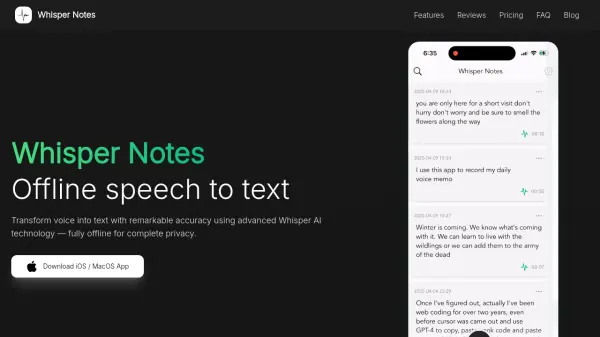
superwhisper is an AI-powered voice-to-text application designed to enhance productivity by enabling users to transcribe their spoken words into text. The application supports over 100 languages and offers translation to English. superwhisper prioritizes user privacy and security by processing data directly on the user's device, ensuring that no information is sent to external servers.
The software is designed for offline use, allowing functionality without a Wi-Fi connection. It integrates seamlessly with any application where text can be typed or pasted. Custom vocabulary support allows for specialized terms, names, and acronyms, ensuring high accuracy for various professional contexts.
Features
- 100+ Languages: Supports transcription in over 100 languages and translation to English.
- Custom Vocabulary: Allows users to add phrases, names, links, or acronyms for accurate transcription.
- Private & Secure: All data stays on the user's device, ensuring privacy.
- Offline First: Functions without a WiFi connection.
- Use with any app: Integrates with applications where text can be input.
Use Cases
- Taking notes on podcasts
- Responding to emails in Gmail
- Sending outreach on LinkedIn
- Writing Python in VSCode
- Messaging on Slack with @mentions
- Daily note-taking with Obsidian
- Writing medical chart notes
FAQs
-
Is there a free trial?
You can try the Pro features for 15 minutes free, after that the free tier features are available to you forever. The no questions asked refund within 30 days of purchase will always be honored. -
Will it work on my Intel chip Mac?
Intel macs are best using the Nova 2 Cloud model. Offline models only run well on Apple Silicon macs. -
What is being working on? When will some feature be released?
Check out our Roadmap & Feature Requests to see what is being worked on or request a new feature. -
My dictation is not working/crashing/hanging... what do I do?
Make sure you have enabled all required permissions and moved the app to the Applications folder. Additionally, check your system audio input settings and make sure it is able to recognize your voice.