What is StyleOf AI?
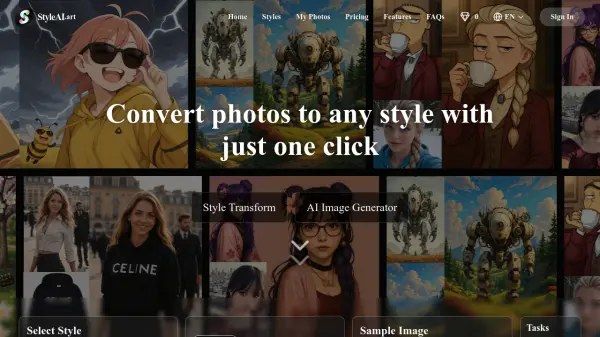
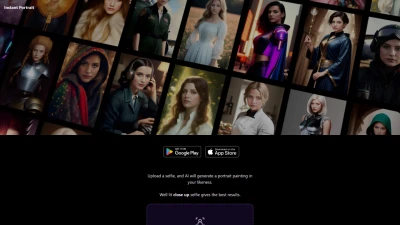
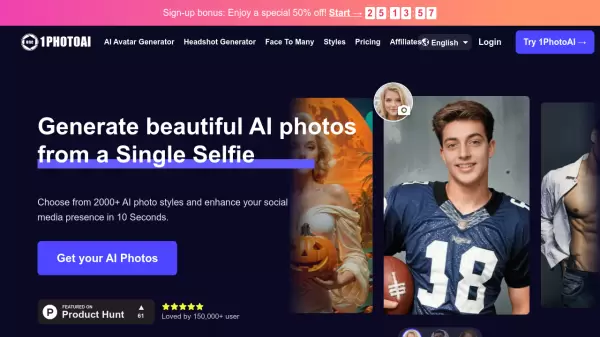
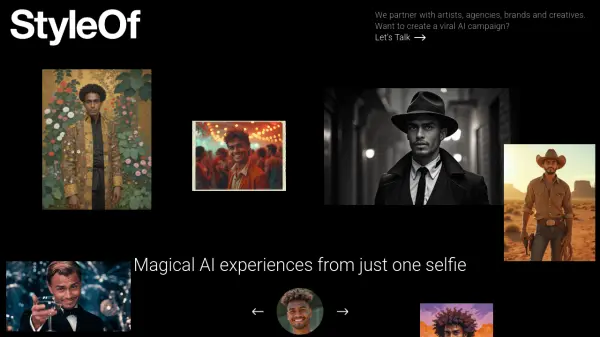
StyleOf AI offers a suite of tools that leverage artificial intelligence to create unique visual experiences from a single selfie. Users can engage with various projects designed for entertainment, creative expression, and marketing campaigns. The platform allows individuals to see themselves reimagined in different themes, such as retro Halloween styles or integrated into popular pop culture GIFs via a custom keyboard.
Beyond personal use, StyleOf AI provides solutions for brands and creatives, enabling the launch of sponsored visual Generative AI experiences. It also features MusePro, a tool aimed at artists, offering realtime AI guidance for drawing, allowing users to control composition while exploring advanced creative possibilities. The platform encourages partnerships with artists, agencies, and brands to develop viral AI campaigns.
Features
- Retro Halloween: Transform selfies into shareable Retro Halloween themed images.
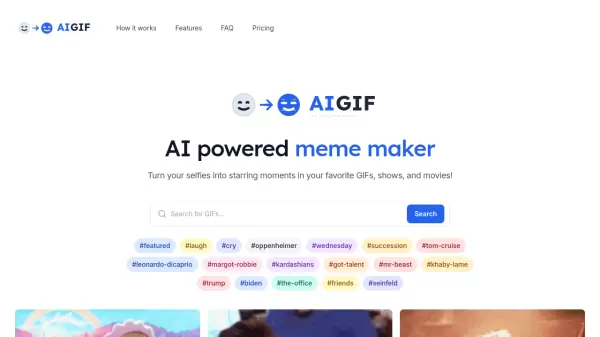
- GifStar: Create personalized pop culture GIFs featuring your face, shareable via a custom keyboard.
- Remix Yourself: Visually remix selfies with images for composition, style, and identity exploration.
- Sponsored Campaigns: Enables brands to launch custom visual Generative AI experiences.
- MusePro: Realtime AI-guided drawing tool for enhanced creative control and composition.
Use Cases
- Creating unique, themed profile pictures or social media content.
- Generating personalized reaction GIFs for messaging apps.
- Experimenting with different artistic styles and visual compositions using selfies.
- Developing branded AI-powered visual campaigns for marketing.
- Assisting artists with AI-guided drawing and composition.