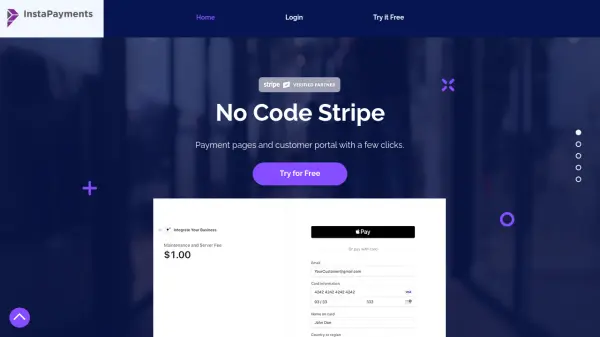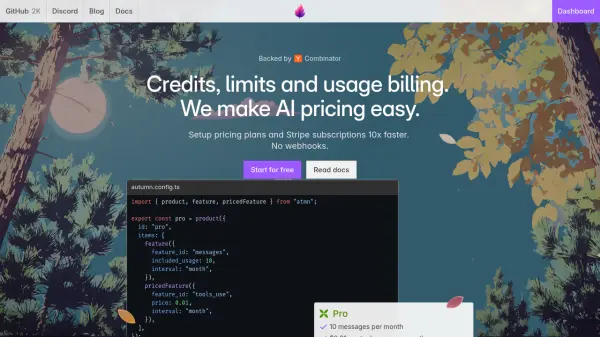

What is Stripe Developer?
Stripe Developer is a hub designed to facilitate the creation of web and mobile applications. It allows businesses to accept payments, send payouts, and efficiently manage their operations online.
The platform offers a range of resources, including documentation, guides, and examples, catering to different developer needs and skill levels. It supports various integration approaches, including building custom payment forms or utilizing prebuilt checkout pages. Stripe Developer emphasizes security and efficiency, with features for managing API keys, handling webhooks, and troubleshooting integrations.
Features
- Payments: Build a payment form or use a prebuilt checkout page.
- Stripe Apps: Ship a Stripe app to production and start accepting payments.
- Connect: Create a platform that connects buyers and sellers.
- SDK Upgrades: Learn about the latest features and improvements.
- API References: Explore API documentation for various services like Payments and Connect.
- Webhooks: Handle events triggered in a Stripe account.
- Stripe CLI: Level up your workflow using command-line interface.
- Sandboxes: Create isolated test environments.
- Workbench: Debug and troubleshoot integrations.
- Event Destinations: Customize payment solutions without disrupting existing integrations.
Use Cases
- Creating an online marketplace.
- Developing a subscription service.
- Building a platform for connecting buyers and sellers.
- Integrating payment processing into a mobile app.
- Setting up automated billing.
- Managing payouts to vendors or contractors.
- Testing payment integrations in isolated environment.
- Troubleshooting and debugging payment flows
FAQs
-
What are the new features in the latest release?
To find out about new features, explore the Stripe product changelog, or visit Stripe Insiders for discussions on upcoming features and products. -
How can I get help with my Stripe integration?
For integration help, you can visit Stack Overflow for technical questions, Discord for quick community answers, or Stripe Insiders to discuss features. -
Are there limits on the number of sandboxes available?
This information can be found in the community thread discussing the limits on creating Sandboxes.