
What is Storyblocker?
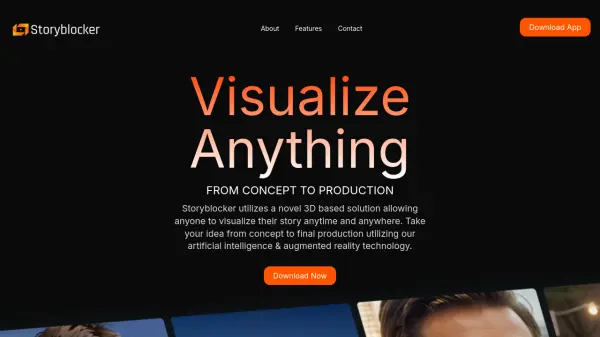
Storyblocker introduces a novel solution for story visualization, integrating 3D environments, artificial intelligence, and augmented reality. It empowers users to translate their ideas from initial concepts into polished final productions. The platform is designed to facilitate the entire creative process, offering tools for visualizing narratives anytime and anywhere.
Featuring a real-time 3D canvas, Storyblocker allows for complete control over composition and style. Users can manipulate a virtual camera to adjust angles and focal lengths, strategically place characters within diverse 3D environments, and utilize a vast asset library. Additionally, it incorporates innovative text-to-3D technology and generative AI for style transfer, enhancing the visual possibilities for storyboarding and shot list mapping.
Features
- Real-Time 3D Canvas: Change camera angles and focal lengths using a virtual camera.
- Generative AI Style Transfer: Change the style of your composition using premade styles.
- Performance Capture: Control the pose of characters using motion capture.
- AR Virtual Production: Combines Live Action, Augmented Reality, and Artificial Intelligence.
- Asset Library & Text-to-3D: Access a vast asset library and utilize text-to-3D technology.
Use Cases
- Visualizing story concepts
- Creating storyboards for film and video
- Mapping out shot lists for production
- Pre-visualizing scenes in 3D
- Experimenting with virtual production techniques
- Developing concepts using AI and AR