What is StockSubmitter?
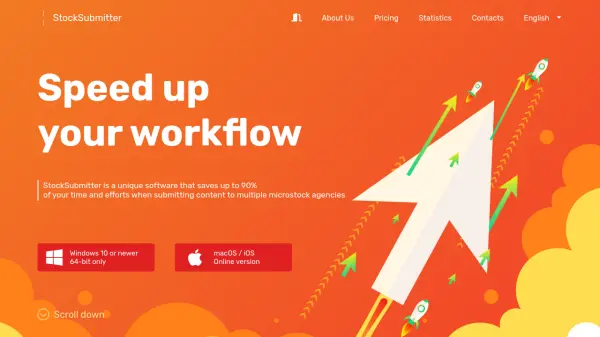
StockSubmitter is a specialized software tool designed to automate the microstock submission process for content creators. It handles metadata filling, translation, and storage while simultaneously uploading content to dozens of microstock agencies. This eliminates the need for manual, repetitive tasks on individual websites, significantly improving efficiency.
The software includes features like QuickMeta for streamlined tagging and provides centralized control over the entire workflow. Users can track sales and content approvals from a single interface, making the microstock management process more organized and less time-consuming.
Features
- Automated Submission: Simultaneously uploads content to dozens of microstock agencies
- Metadata Management: Fills, translates, and stores metadata for files
- QuickMeta System: Speeds up and simplifies the tagging process
- Centralized Control: Manages entire workflow from a single interface
- Security: Stores passwords locally with optional master password protection
- Free Version: Offers unlimited uploads and basic features at no cost
Use Cases
- Automating microstock content submissions
- Managing metadata for stock photos and videos
- Streamlining workflow for stock content creators
- Translating metadata for international microstock markets
- Tracking sales and approvals across multiple agencies
FAQs
-
What operating systems does StockSubmitter support?
StockSubmitter supports Windows 10 or newer (64-bit only) and macOS/iOS through an online version. -
How many microstock agencies does StockSubmitter support?
StockSubmitter supports 40 microstock agencies, with additional agencies currently in development. -
Is there a free version of StockSubmitter available?
Yes, StockSubmitter offers a free version with 33 submissions per month to every agency, unlimited uploads, and access to features like metadata filling and QuickMeta. -
How does StockSubmitter handle password security?
All passwords are stored only on the user's computer, with an optional master password for additional protection.