What is SpeQue?
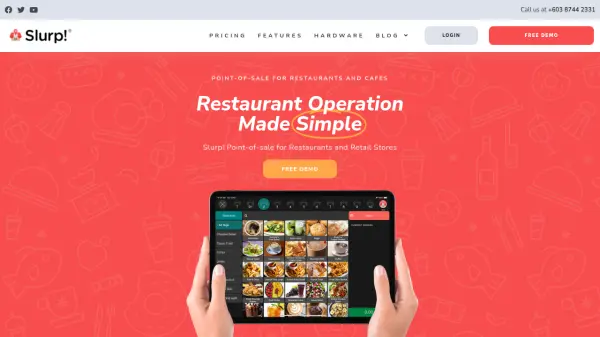
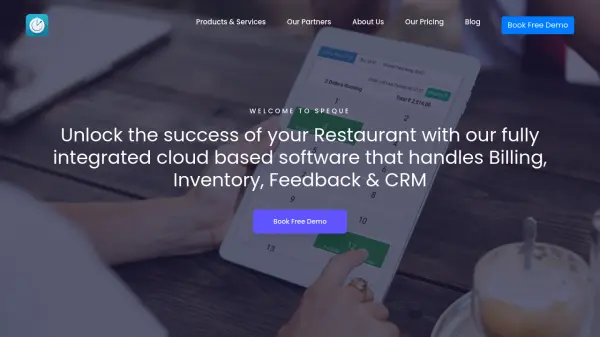
SpeQue is a robust, cloud-based restaurant management and POS software designed to simplify operations for restaurants, bars, cafes, and similar establishments. The platform combines billing, inventory control, customer engagement, feedback management, digital menus, and CRM into a single, integrated solution, supporting business owners with real-time analytics and reporting for data-driven decision-making.
The software supports flexible payment models—including yearly and pay-as-you-use options—making it suitable for businesses of all sizes and growth stages. With features like unlimited device licensing, theft-proof architecture, mobile management via dedicated apps, daily WhatsApp business digests, and regular feature upgrades, businesses can confidently manage dining operations efficiently from anywhere.
Features
- Cloud-Based POS: Fully integrated point-of-sale system accessible from any location.
- Billing & Invoicing: Comprehensive support for billing, e-bills, and multi-KOT.
- Inventory Management: Real-time inventory tracking and control.
- Customer Feedback: Integrated feedback collection and analytics.
- CRM & Loyalty: Customer engagement and relationship management solutions.
- Mobile App: Owner and captain apps for remote management.
- Digital Menu: Easily update and manage digital menus.
- Table Booking: Reservation and table management capabilities.
- Security: Theft-proof system with multiple data protection layers.
- Unlimited License: Use on unlimited devices without extra fees.
Use Cases
- Manage billing, inventory, and operations for restaurants of all sizes.
- Streamline order-taking and reservations in cafes, bars, and pubs.
- Automate feedback collection to improve customer experience.
- Gain actionable analytics and daily business insights via WhatsApp.
- Offer contactless dining and remote management with mobile apps.
- Support multiple outlets with unlimited device licensing.
- Enable flexible pricing for seasonal or growing businesses.
FAQs
-
What types of businesses is SpeQue suitable for?
SpeQue is designed for restaurants, bars, cafes, and other food and beverage establishments seeking integrated management solutions. -
How does the flexible payment model work?
Users can choose between a yearly subscription for predictable costs or a pay-as-you-use model that aligns costs with actual usage. -
Can SpeQue be accessed on multiple devices?
Yes, SpeQue offers an unlimited license allowing access from any number of devices at no additional cost. -
Is mobile management available?
Yes, dedicated owner and captain apps allow for remote monitoring and management of operations. -
How does SpeQue help with customer feedback?
SpeQue includes an integrated feedback solution for collecting and analyzing customer responses, enhancing the dining experience.