What is SoloPosts?
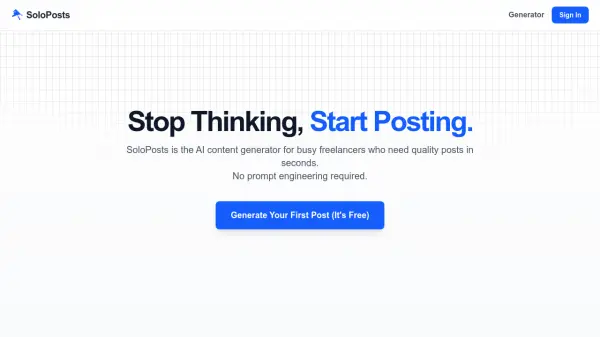
SoloPosts is an AI content generator specifically tailored for busy freelancers who require quality social media posts quickly. It eliminates the need for prompt engineering by offering a streamlined process that delivers instant results. The tool is fine-tuned to understand the unique needs of freelancers, making it a specialized solution compared to general AI platforms.
Users can generate engaging posts in three simple steps: entering a topic, clicking to generate with AI, and personalizing the output for publication. Powered by Groq for high speed, SoloPosts helps freelancers save time, build their personal brand, and attract ideal clients through consistent content creation.
Features
- AI-Powered Generation: Uses Groq technology for fast, high-quality social media post creation
- No Prompt Engineering Required: Simplifies content generation with minimal user input
- Freelancer-Focused: Fine-tuned AI specifically designed for freelancer content needs
- Three-Step Process: Easy workflow from topic entry to publication-ready posts
Use Cases
- Generating social media posts for freelancers to promote services
- Creating content quickly to build a personal brand online
- Producing engaging posts to attract ideal clients on social platforms
- Saving time on content creation for consistent posting schedules