What is SendShort?
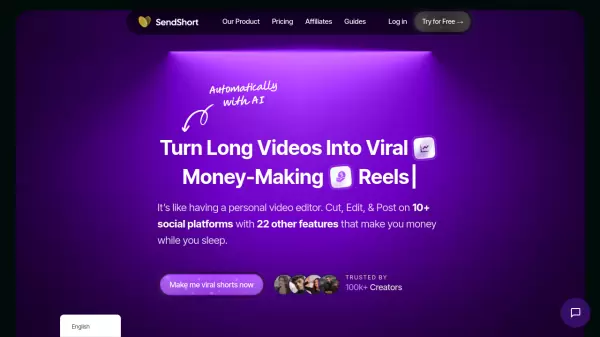
SendShort revolutionizes video content creation by transforming long-form videos into engaging short-form content through advanced AI technology. The platform offers comprehensive features including automatic clip generation, caption styling, and smart auto-zoom functionality to enhance viewer engagement.
With support for over 48 languages and integration with major social media platforms, SendShort enables creators to expand their global reach while saving valuable time. The platform includes faceless video creation capabilities, custom templates, and automated publishing tools to streamline the content creation process.
Features
- Auto Video Conversion: Transform long videos into multiple short clips automatically
- Multi-language Support: Translate content into 48+ languages instantly
- Smart Auto-Zoom: Automatically focuses on key speakers and moments
- Custom Templates: Choose from viral-style templates or create custom designs
- Auto-Captioning: 97% accurate caption generation with customizable styles
- Multi-platform Publishing: One-click publishing to TikTok, Instagram, and YouTube Shorts
- Faceless Video Creation: AI-generated stories, voiceovers, and background images
- Music Integration: Add custom tracks or YouTube music to videos
Use Cases
- Content repurposing for social media
- Creating faceless educational content
- Multi-language content distribution
- Automated social media management
- Video marketing for businesses
- Creating viral short-form content
- Personal brand building
- Agency content production
FAQs
-
What type of video formats can I upload?
You can upload .mov or .mp4 files in vertical format (9:16) or horizontal format (16:9), or simply use a YouTube link for conversion. -
How many languages does SendShort support?
SendShort supports 48 languages including Arabic, English, French, German, Japanese, Spanish, and many more. -
Can I customize the captions?
Yes, you can choose from 10+ viral caption styles, add custom fonts, and save your own templates for future use. -
What is the maximum video length allowed?
The maximum video length varies by plan: 1.5 minutes for Starter and Subtitles Pro, 2 minutes for Advanced, and 3 minutes for Expert plan.