What is Seedance 2.1?
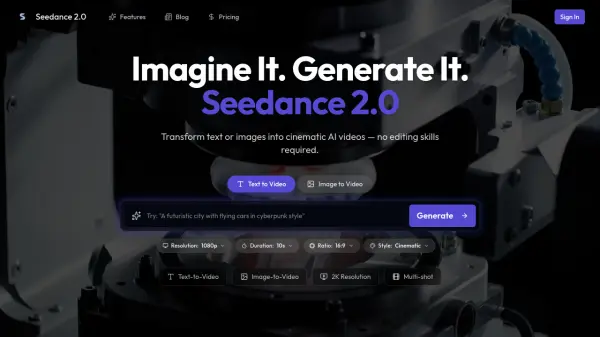
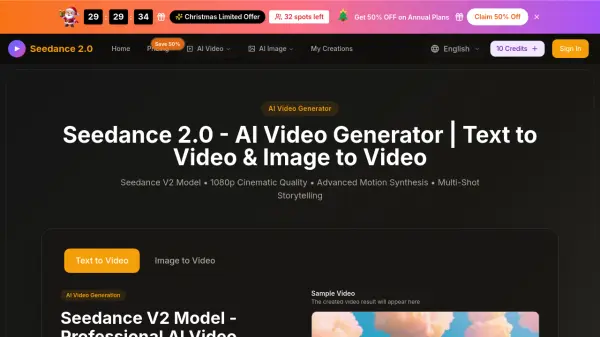
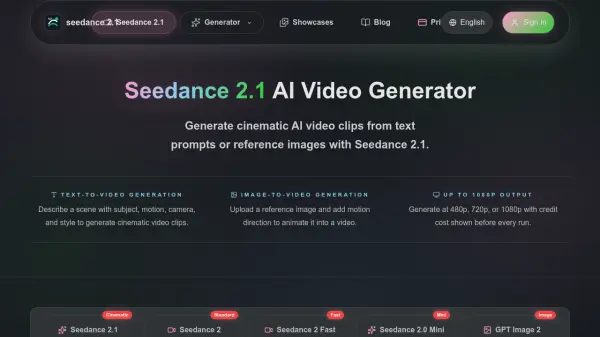
Seedance 2.1 is an advanced AI video generation model designed to create high-quality cinematic video clips from detailed text descriptions or reference images. The platform supports both text-to-video and image-to-video generation workflows, enabling users to produce professional-grade video content by describing scenes with specific details about subjects, motion, camera movements, lighting, and visual style. Users can select from multiple resolution options including 480p, 720p, and 1080p, with video durations ranging from 4 to 15 seconds to suit different project requirements.
The platform operates on a credit-based system where the cost is calculated based on model selection, resolution, duration, and input type, with transparent pricing displayed before each generation. Seedance 2.1 is positioned as the primary mode for final-quality video output, offering the highest quality in the Seedance lineup. The tool includes features such as a prompt gallery with examples, aspect ratio options including 16:9 and 9:16, and the ability to animate static images with motion prompts. It serves content creators, filmmakers, marketers, and businesses looking to generate cinematic video content without traditional video production resources.
Features
- Text-to-Video Generation: Create cinematic video clips from detailed text prompts describing subject, motion, camera movement, and visual style
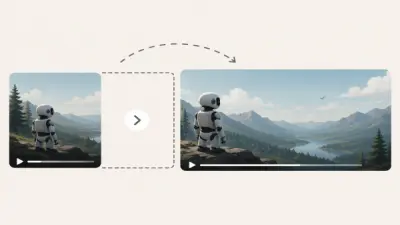
- Image-to-Video Generation: Upload reference images and add motion descriptions to animate static images into videos
- Multiple Resolution Options: Generate videos at 480p, 720p, or 1080p to match project quality requirements
- Flexible Duration Settings: Create video clips ranging from 4 to 15 seconds in length
- Transparent Credit Pricing: Preview estimated credit cost based on resolution, duration, and input type before generation
- Aspect Ratio Options: Choose between 16:9 and 9:16 aspect ratios for different platform requirements
- Prompt Gallery: Browse video examples with detailed prompts to learn effective scene structures
Use Cases
- Creating short film scenes with controlled camera movement and cinematic lighting
- Generating product and brand videos with professional commercial-style visuals
- Producing social media content for posts, ads, and stories
- Developing concept visualization for pitches and storyboards
- Creating eye-catching video clips for marketing campaigns
- Animating reference images for creative projects
- Testing prompt structures before final video generation
- Generating style frames and visual references for video projects
How It Works
Choose your input type
Start with a text prompt for a new scene, or upload a reference image to guide the composition and subject.
Write a detailed prompt
Describe subject, action, camera movement, environment, lighting, and style in one clear scene.
Set resolution and duration
Pick 480p, 720p, or 1080p and choose your clip length based on the project needs.
Preview credits and generate
Check the estimated cost, generate the video, and download the finished clip.
FAQs
-
What is the difference between Seedance 2.1 and Seedance 2?
Seedance 2.1 is the primary mode for final-quality output, while Seedance 2 is the standard generation mode. Both support the same resolution options and offer text-to-video and image-to-video capabilities. -
Can I generate video from an image?
Yes. You can upload a reference image and add a motion prompt that describes how the subject should move, where the camera travels, and what visual style to apply to create an animated video. -
What resolutions does Seedance 2.1 support?
Seedance 2.1 supports 480p, 720p, and 1080p resolution options. Higher resolution generations cost more credits per generation. -
Should I draft in Fast mode first?
If your prompt is untested, use Seedance 2 Fast for lower-cost 480p or 720p drafts. Once the scene direction works, switch to Seedance 2.1 for the final high-quality clip. -
How do I write a good Seedance prompt?
Include specific details about subject, action, camera movement, environment, lighting, and visual style. Be specific rather than generic. For example, 'slow dolly forward through a neon-lit alley' works better than 'cinematic city scene.' Browse the showcase gallery for prompt examples.