What is Scenario?
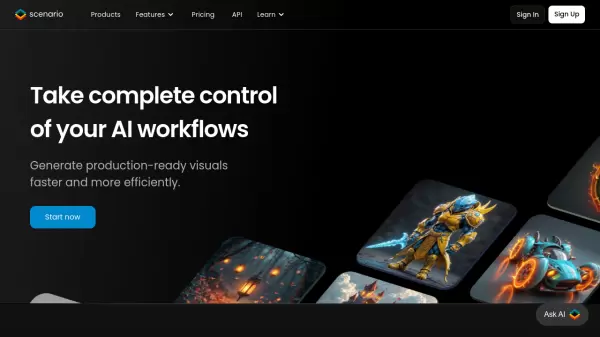
Scenario is a powerful AI art generation platform designed specifically for professional studios and creators. The platform enables users to train and deploy custom AI models that maintain consistent style and brand identity while offering complete control over the creative process.
Through its advanced features including Composition Control and Pixel-Perfect Inpainting, Scenario provides tools for precise output adjustments and seamless workflow integration. The platform supports various content types including characters, backgrounds, props, textures, and skyboxes, while offering API capabilities for integration with game engines and design software.
Features
- Custom Model Training: Train unlimited AI models aligned with specific art directions
- Composition Control: Advanced features for precise output adjustments
- Workflow Integration: API-first design for seamless integration with various tools
- Multi-format Generation: Support for characters, backgrounds, props, textures, and skyboxes
- High-Resolution Output: Up to 16x factor upscaling capability
- Collaborative Tools: Multi-user workspace management and version control
Use Cases
- Game asset creation
- Character design iteration
- Environment concept art
- Marketing visual asset generation
- Player-generated content integration
- Production pipeline streamlining
- Brand-consistent art creation
- Rapid prototyping
FAQs
-
What types of content can I generate with Scenario?
Scenario can generate various types of content including characters, backgrounds, props, textures, skyboxes, and vectors. All content can be customized to match your specific art style. -
How many concurrent generations are supported?
The number of concurrent generations varies by plan: Creator plan supports 3, Pro plan supports 5, and Team plan supports 15 concurrent generations. -
Can I train multiple AI models simultaneously?
Concurrent training capability is available on the Team plan, while Creator and Pro plans have sequential training options. -
What is the storage allowance for different plans?
Storage allowance varies by plan: Creator plan includes 15GB, Pro plan includes 50GB, and Team plan includes 100GB of storage.