What is SaaS Templates?
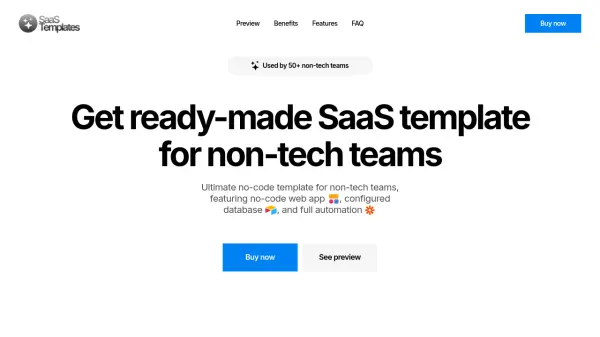
SaaS Templates offers a comprehensive, ready-made no-code solution designed specifically for non-tech teams. This template enables swift deployment of SaaS products, typically within a few hours, eliminating the need for extensive coding knowledge or lengthy development cycles.
The template includes a fully functional web app built using Softr, a pre-configured Airtable database for seamless data management, and complete automation facilitated by Zapier integrations. This integrated approach minimizes manual intervention and supports a range of SaaS applications.
Features
- No-code web app: Deploy a fully functional SaaS product with Softr.
- Configured database: Pre-configured Airtable database for efficient data management.
- Full automation: Integration between Softr and Airtable via Zapier.
- Various user groups: Create multiple user groups for versatile interactions.
- User-to-user chat: Allow users to send messages to each other.
- AI Matching: Match users with other users or resources.
- Edit profile information: Users can update and manage profile information.
- Booking & payment flow: Facilitate user bookings & payments.
- Responsive design: Fully responsive design across web, tablet, and mobile devices.
Use Cases
- Mentorship Platform (e.g., ADP List, GrowthMentor)
- Tutoring Platform (e.g., Preply, iTalki)
- Freelance Platform (e.g., Upwork, Fiverr)
- Legal Advice Platform (e.g., Avvo, LawTrades)
- Recruitment Platform (e.g., Indeed, Glassdoor)
- Educational Platform (e.g., Coursera, Udemy)
FAQs
-
How long does it take to deploy a template for my project?
If you have experience working with these tools, deploying a template for your project will take no more than 3-4 hours. If you have no experience, getting acquainted with the tools will take a bit more time. In both cases, chat support will be available to assist you after purchasing the template. -
What tools were used to develop the template?
The template is built from the following no-code tools: Softr for SaaS, Airtable for database, Zapier for Automation. -
Do I need basic coding knowledge to use the template?
No, you don't need to know any code to work with the template. It's a completely no-code solution. -
What should I do if I have no experience with no-code tools?
No problem. You will probably need some time to get familiar with the tools. They are super easy and user-friendly, even for those with no experience. Anyway, chat support will be available to assist you after purchasing the template. -
The template doesn't have the features I need, what should I do?
In this case, you can pay for both the template and customization to meet your product’s needs. Before purchasing, you can send the customization details via chat, and our team will provide you with the time and cost required for the template upgrade, which will be completed within a few hours.