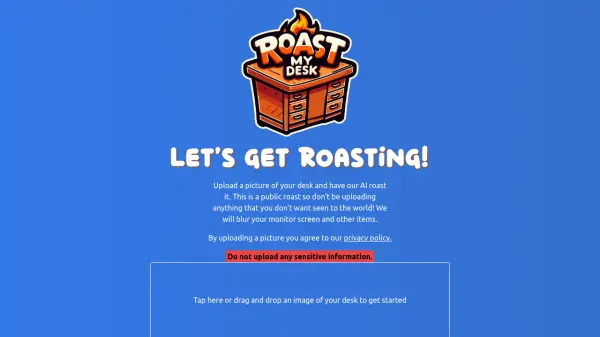
What is RoastMyDesk?
RoastMyDesk is an innovative AI platform that brings humor to workspace evaluation by providing comedic critiques of users' desk setups. The service allows users to upload photos of their workstations for AI-generated roasts, creating an entertaining way to share and receive feedback about workspace arrangements.
The platform prioritizes user privacy by automatically blurring sensitive information such as monitor screens and personal items. All roasts are public and become part of a community showcase, where users can view recent roasts with creative titles like 'The Pastel Palace Workstation' and 'The Kindergarten Executive Suite'.
Features
- AI Roasting: Automated humorous critiques of desk setups
- Privacy Protection: Automatic blurring of monitors and sensitive items
- Public Showcase: Display of recent and popular desk roasts
- Creative Titles: AI-generated unique names for each desk setup
Use Cases
- Getting humorous feedback on workspace organization
- Sharing desk setups with a fun twist
- Breaking workplace monotony
- Creating engaging social media content about workspaces
FAQs
-
Is my desk photo shared publicly?
Yes, all roasts are public and visible to everyone who visits the website. -
How does the privacy protection work?
The platform automatically blurs monitor screens and other sensitive items in your desk photos to protect your privacy.