Quick Resume favicon

Quick Resume
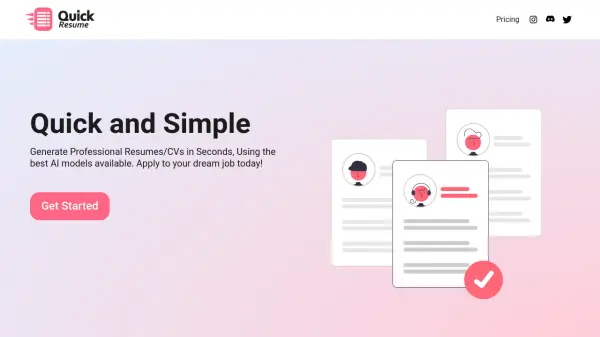
Generate Professional Resumes/CVs in Seconds

What is Quick Resume?

Quick Resume leverages the power of Google Gemini AI to create professional resumes and CVs. The system utilizes sophisticated algorithms to ensure each resume is optimized for applicant tracking systems (ATS), increasing the chances of capturing attention in the job market.

The platform offers outputs in both LaTeX and PDF formats. LaTeX is provided for users who wish to make further edits, while the PDF format is ready for immediate use. Quick Resume simplifies the resume creation process, allowing users to quickly generate job-ready documents.

Features

  • Google Gemini AI: Utilizes Google's advanced AI for resume generation.
  • LaTeX & PDF Formats: Provides resumes in editable LaTeX and ready-to-use PDF formats.
  • ATS Friendly: Optimizes resumes to pass through Applicant Tracking Systems.

Use Cases

  • Creating a professional resume quickly.
  • Generating a CV for job applications.
  • Updating an existing resume with AI assistance.
  • Creating multiple resumes tailored to different job applications.

Related Tools:

Blogs:

  • Boost Engagement in Ads with AI

    Boost Engagement in Ads with AI

    Discover how AI music and AI SDR agents are reshaping modern advertising. Learn how emotional resonance through AI-generated soundtracks combined with smart, automated sales outreach can turn viewers into loyal customers faster, cheaper, and more personally than ever before.

  • Top 6 AI note-taking tools for 2026: in-person, online, and hybrid use cases

    Top 6 AI note-taking tools for 2026: in-person, online, and hybrid use cases

    Most AI note-taking lists are really lists of meeting bots, which join your video call and transcribe it. That's useful, but it's half the picture. Decisions happen in hallway conversations, client dinners, on-site visits, and hybrid rooms where nobody is on a video link. This guide covers different parts of the note-taking workflow: hardware capture for in-person settings, platform-native tools for online calls, and AI layers for organizing and synthesizing what you've captured. It compares six tools by capture context, workflow fit, pricing, and limitations.

Didn't find tool you were looking for?

Be as detailed as possible for better results