What is qBraid?
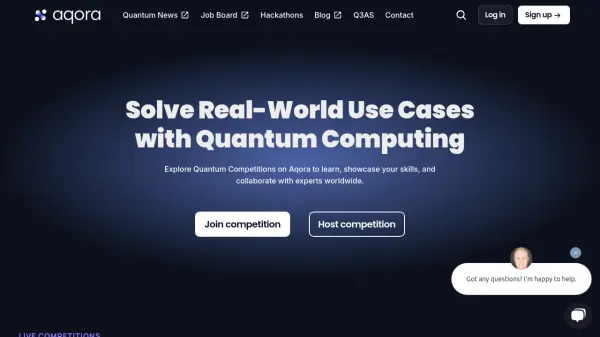
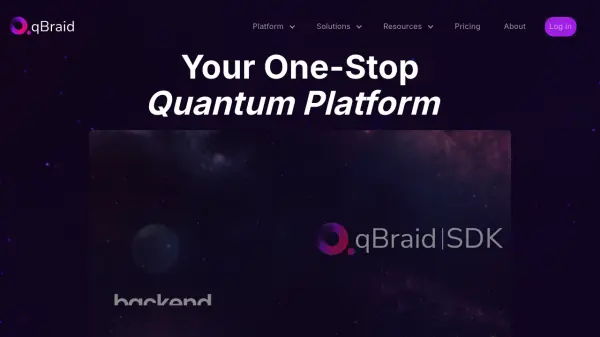
qBraid is a comprehensive cloud-based platform designed to streamline the quantum computing workflow for researchers, developers, and educators. It serves as a centralized hub, offering seamless access to a wide array of quantum processing units (QPUs), graphical processing units (GPUs), and central processing units (CPUs) from various providers, including Amazon Braket and Azure Quantum, accessible through a single login.
The platform features the qBraid Lab, an integrated development environment (IDE) tailored for quantum computing, complete with preconfigured software environments, tutorials (qBook), and AI-powered assistance like code generation and enhanced search capabilities using Large Language Models (LLMs). It supports cloning public GitHub repositories directly and facilitates building, running, and managing quantum applications, including hybrid algorithms, through its SDK, CLI, and Runtime components. qBraid fosters an open-source community and provides resources for users at all levels, from beginners exploring quantum basics to experienced researchers developing complex algorithms.
Features
- Unified Hardware Access: Connect to 18+ CPUs, GPUs, and QPUs (including Rigetti, IQM, IonQ, QuEra) via Amazon Braket, Azure Quantum, and direct integrations.
- Integrated Development Environment (qBraid Lab): A quantum-focused IDE with managed environments and notebooks.
- AI Assistance: In-line code completion, generation, and ChatGPT-enhanced search within the Lab.
- Preconfigured Environments: Access 60+ quantum software environments.
- Customizable Environments: Create and share personalized development setups (Python 3.9-3.12 supported in paid plans).
- Learning Resources (qBook): Turnkey tutorials and integrated documentation for quantum computing education.
- qBraid SDK & CLI: Tools for local development, job management, and hardware access.
- GitHub Integration: Clone public repositories with a single click.
- Hybrid Algorithm Support: Execute hybrid classical-quantum algorithms using the qBraid Runtime.
Use Cases
- Developing and testing quantum algorithms.
- Running quantum simulations and experiments on various hardware backends.
- Learning quantum computing concepts through interactive tutorials.
- Teaching quantum computing courses with accessible tools and resources.
- Collaborating on quantum software projects.
- Building quantum applications integrating classical and quantum components.
- Accessing diverse quantum hardware without multiple accounts.
FAQs
-
What is qBraid?
qBraid is a cloud-based platform designed to simplify the quantum computing journey. It provides an integrated development environment (IDE), access to quantum processors, and a suite of tools and resources for learning, research, and development in quantum computing. -
How can educators use qBraid for teaching quantum computing?
Educators can leverage qBraid to create interactive coursework, provide students with access to quantum computing resources, and facilitate hands-on learning experiences. The platform's collaborative features also enable students to work together on projects. -
What kind of support does qBraid offer for beginners in quantum computing?
qBraid offers extensive support for beginners, including tutorials, documentation, and learning modules designed to introduce the basics of quantum computing via its user-friendly interface and interactive tools. -
Are the environments on qBraid customizable?
Yes, users can create their own environments in the qBraid Lab, specifying the necessary quantum computing frameworks, libraries, and tools. Paid plans allow for creating, customizing, cloning, and sharing environments. -
How does qBraid ensure data security and privacy?
qBraid prioritizes data security and privacy through robust encryption, secure access controls, and compliance with industry-standard data protection protocols to safeguard user data and projects.