What is PythonAnywhere?
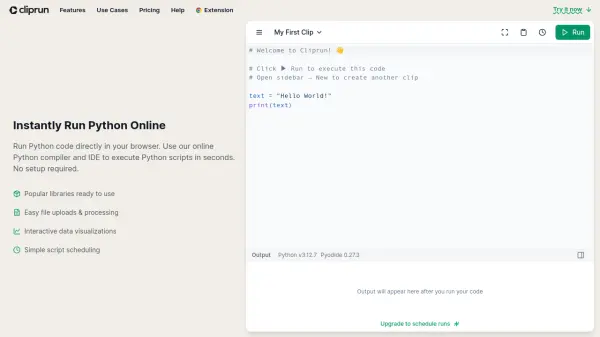
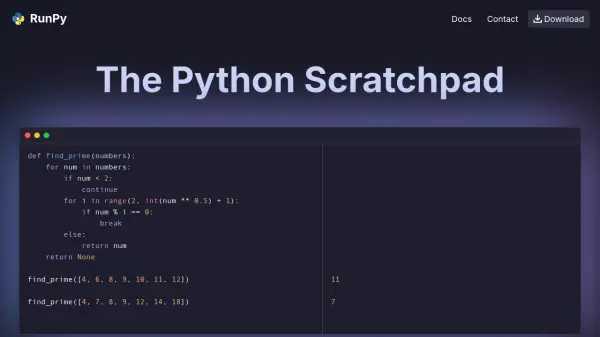
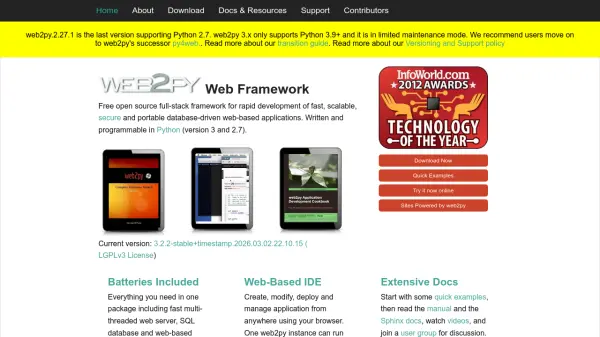
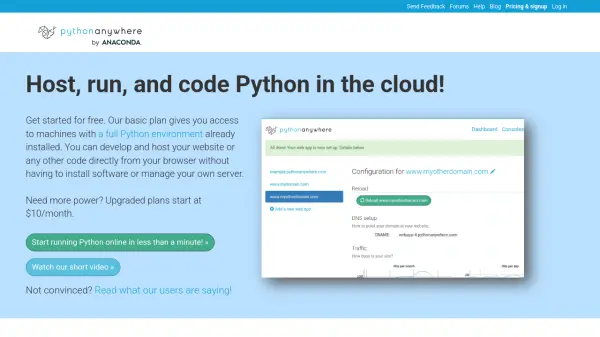
PythonAnywhere is a cloud-based integrated development environment (IDE) and hosting platform for Python. It enables developers to write, run, and host Python programs entirely within a web browser, eliminating the need to install software or manage servers. The platform supports multiple Python versions (2.7, 3.6-3.10) and includes pre-installed libraries like NumPy, SciPy, and BeautifulSoup. Users can develop websites using frameworks like Django, Flask, and web2py, or run Python scripts, consoles, and scheduled tasks. PythonAnywhere offers a free tier with basic features and paid plans starting at $10/month for more resources, custom domains, and SSH access. It is designed for individual developers, educators, and teams who need a flexible, accessible Python environment in the cloud.
Features
- Cloud-based Python IDE: Write and run Python code from any browser without local installation.
- Web hosting: Host Python web applications using Django, Flask, web2py, or Bottle.
- Multiple Python versions: Supports Python 2.7, 3.6, 3.7, 3.8, 3.9, and 3.10.
- Pre-installed libraries: Includes NumPy, SciPy, BeautifulSoup, and many others.
- Scheduled tasks: Run Python scripts on a schedule (hourly or daily).
Use Cases
- Hosting Python web applications (Django, Flask, etc.)
- Teaching and learning Python in a uniform online environment
- Running periodic data scraping or automation scripts
- Developing and testing Python code on the go from any device
FAQs
-
Can I use my own domain with PythonAnywhere?
Yes, paid accounts (Developer and Custom plans) allow you to host web apps on custom domains. Free accounts get a subdomain at yourusername.pythonanywhere.com. -
What Python versions are supported?
PythonAnywhere supports Python versions 2.7, 3.6, 3.7, 3.8, 3.9, and 3.10. -
Is there a free plan?
Yes, there is a free Beginner account that includes one web app, limited consoles, and restricted outbound internet access. -
How does the CPU allowance work?
Each account has a daily CPU-second limit for consoles, scheduled tasks, and always-on tasks. Web app usage does not count toward this limit. If you exceed your limit, processes still run but at lower priority (tarpit).