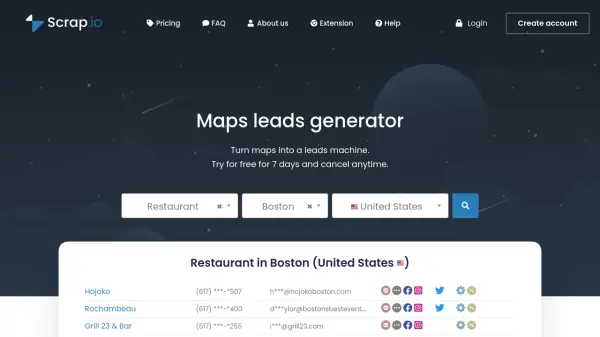

What is Presto Maps Lead Extractor?
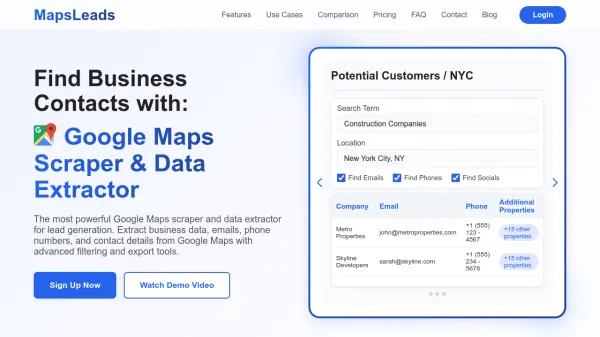
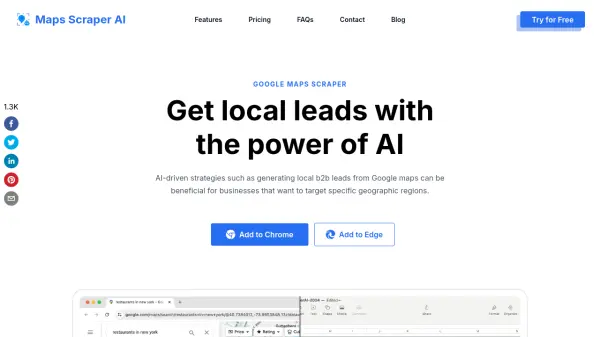
Presto Maps Lead Extractor is a specialized software tool designed to automate the extraction of business leads from online mapping platforms. It efficiently scrapes complete business listings from Google Maps, Bing Maps, and OpenStreetMap (OSM), transforming scattered data into structured Excel or CSV files. The tool targets businesses that need to prospect small and medium enterprises, such as restaurants, bars, grocery stores, and various service providers, saving countless hours of manual data collection.
Using advanced data extraction capabilities, the software retrieves comprehensive business profiles including phone numbers, venue names, addresses, websites, average ratings, and additional details. It features an Auto Search function in beta that automatically navigates and zooms across maps to efficiently gather results. This solution eliminates the need for manual browsing or hiring virtual assistants, providing users with ready-to-use lead data that enhances sales prospecting and marketing campaigns.
Features
- Google Maps Scraper: Scrape complete business listings from Google Maps
- Bing Maps Scraper: Retrieve detailed business profiles from Bing Maps
- Unlimited Leads: Extract an unlimited number of leads from multiple map sources
- Proper Formatting: Download leads in Excel format with appropriate column types or in CSV
- Complete Business Profiles: Phone numbers, venue names, addresses, websites, average ratings, and more
- Auto Search (Beta): Automatically move and zoom across the map to extract results efficiently
Use Cases
- Generating B2B leads for sales teams
- Building prospection files for small business targeting
- Collecting contact information for marketing campaigns
- Creating databases of local businesses for research
- Automating lead extraction to replace manual data collection