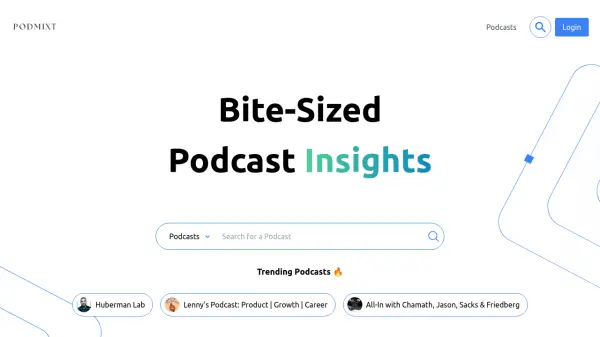
What is PodMixt?
PodMixt provides users with condensed podcast content, including curated clips tailored to specific interests. This ensures a more focused listening experience for individuals seeking in-depth information on particular topics without listening to entire episodes. The platform aims to deliver bite-sized insights efficiently.
In addition to shortened audio clips, PodMixt offers text summaries and full transcripts of podcast episodes. It also features personalized podcast recommendations to help users discover similar content. A premium feature allows users to engage directly with episode content through a question-and-answer interface, enhancing comprehension and interaction.
Features
- Condensed Podcast Clips: Delivers curated audio clips focused on specific user interests.
- Text Summaries & Transcripts: Provides concise text summaries and full transcripts of podcast episodes.
- Personalized Recommendations: Suggests similar podcast episodes based on user preferences.
- Episode Q&A (Premium): Allows users to ask questions about the content of a specific podcast episode.
Use Cases
- Quickly grasp key insights from long podcast episodes.
- Focus listening on specific topics within podcasts.
- Receive text summaries or transcripts for review.
- Discover new, relevant podcast episodes.
- Interact with podcast content by asking questions (Premium).