What is PIP?
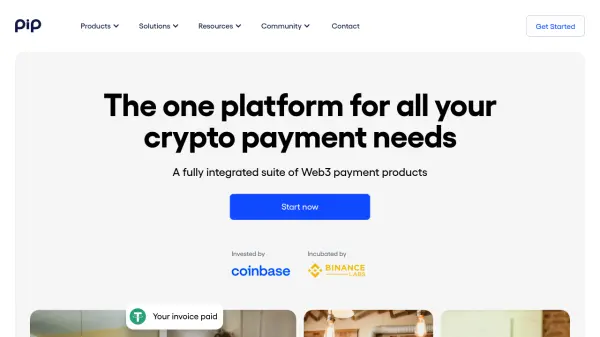
PIP offers a fully integrated suite of Web3 payment products designed for borderless online commerce. It serves both individuals and businesses, allowing users to handle crypto payments through various tools like Social Pay, PIP ME, Pay Button, Payment Links, Invoice, and Checkout. The platform supports over 75 currencies across multiple blockchain networks, ensuring global accessibility.
Transactions are fully on-chain, with payments going directly to users' wallets without withdrawal processes. PIP emphasizes transparency, zero fees, and ease of use, with no-registration requirements for individuals and no-code setups for businesses. It includes features like QR code payments, mobile wallet support, and social media integration for monetization.
Features
- Multi-Chain Support: Accept payments from top 5 blockchain networks with 35+ currency options
- Zero Fees: No transaction fees for sending or receiving crypto payments
- No-Code Payments: Setup and manage payments without coding skills using dashboard tools
- Direct Wallet Payments: Funds go directly to user wallets with no withdrawal process required
- Social Pay Integration: Send and receive money on platforms like Twitter, Twitch, Discord, Github, and Reddit
Use Cases
- Accepting tips and donations through personal Web3 profiles
- Embedding crypto payment buttons on websites for e-commerce
- Generating payment links for easy money transfers via QR codes or messaging apps
- Creating and sending crypto invoices for business transactions
- Setting up online stores to sell products with crypto payments