What is PicsMage?
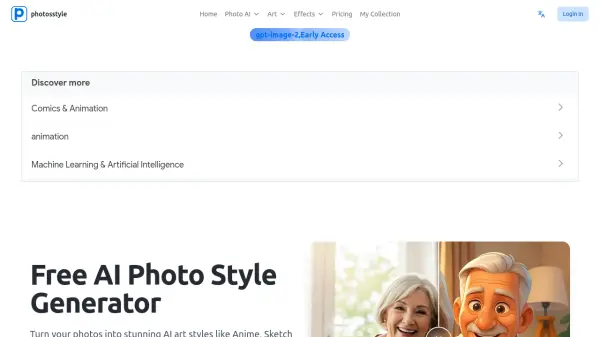
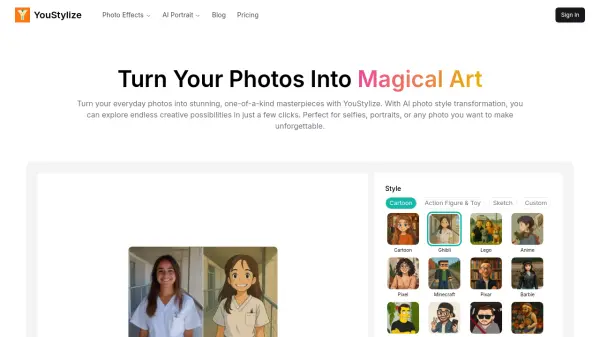
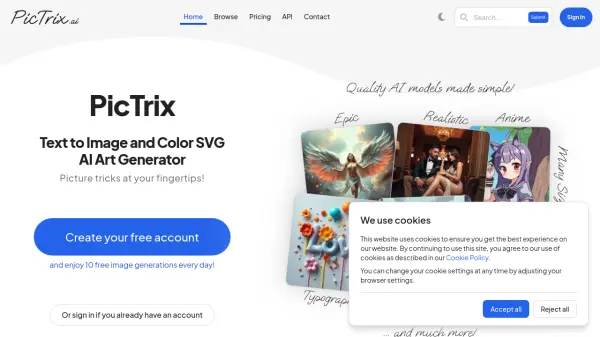
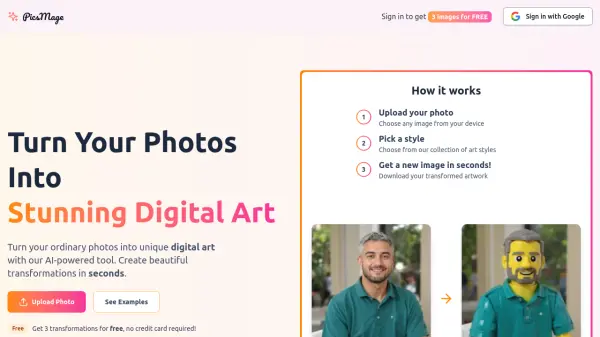
PicsMage utilizes artificial intelligence to convert standard photographs into distinctive digital artwork. Users can upload any image from their device and select from a diverse collection of art styles, including comics, Renaissance, Simpsons, pixel art, Ghibli, cartoon, manga, Futurama, Game of Thrones, noir, graffiti, vaporwave, and Lego. The process is designed to be fast, delivering transformed images within seconds for easy download.
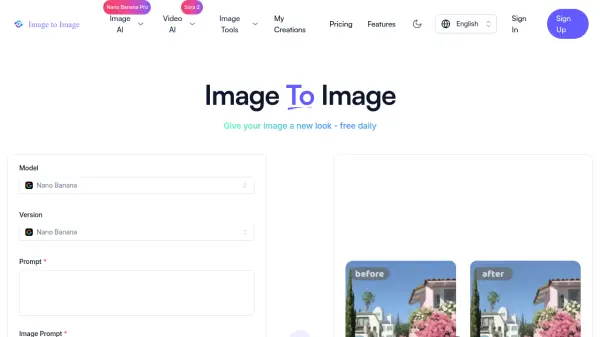
The tool provides a user-friendly experience with a straightforward workflow: upload a photo, choose a style, and receive the new artwork. It includes examples and demonstrations to showcase the transformations, such as before-and-after comparisons. PicsMage emphasizes accessibility by offering free transformations without requiring a credit card, making it suitable for casual users and art enthusiasts alike.
Features
- AI-Powered Transformation: Uses artificial intelligence to convert photos into digital art styles
- Multiple Art Styles: Offers a collection including comics, Renaissance, pixel art, and more
- Fast Processing: Generates transformed images in seconds
- Free Tier: Provides 3 transformations for free without a credit card
- Easy Upload: Supports uploading any image from the user's device
- Download Option: Allows users to download their transformed artwork
Use Cases
- Creating personalized digital art from personal photos
- Transforming photos into cartoon or comic-style images for social media
- Generating artwork in specific styles like Ghibli or pixel art for creative projects
- Experimenting with different artistic effects for fun or inspiration
- Producing unique visuals for digital content or presentations