What is PhotoLabs?
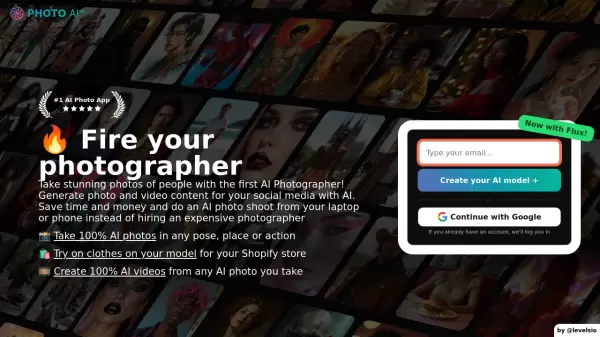
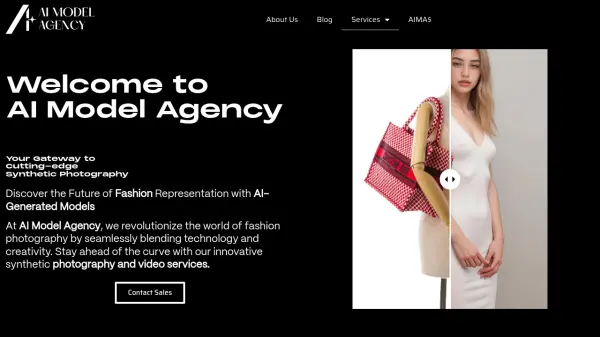
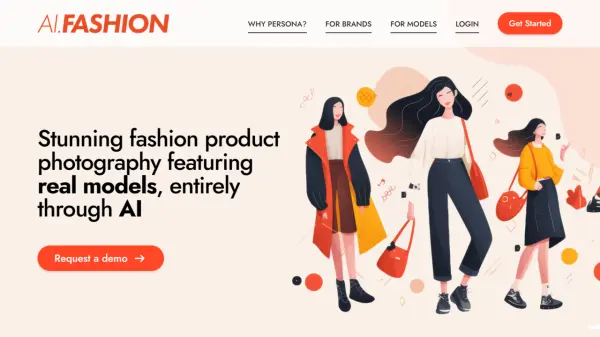
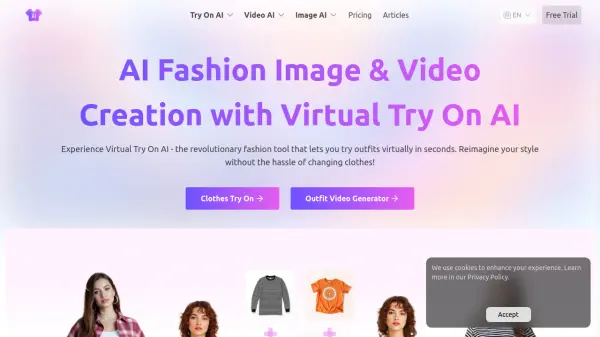
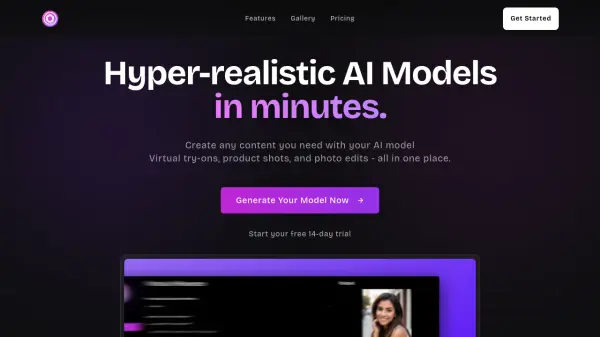
Generate highly realistic AI models tailored to specific brand identities and styles within minutes. This platform offers tools for creating virtual try-ons, allowing customers to preview clothing on AI models before buying, enhancing the online shopping experience. Additionally, it facilitates the creation of professional product shots and offers AI-powered touch-ups to refine images instantly.
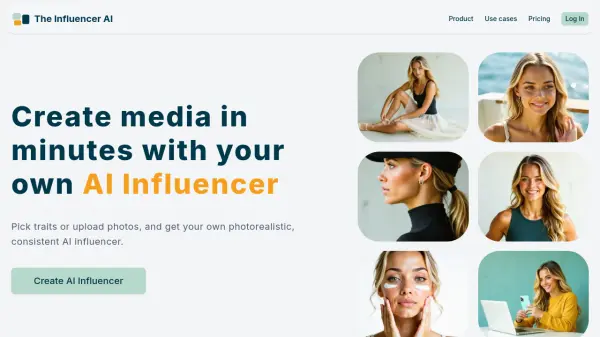
Leverage the capability to produce virtual influencers and access a range of style presets designed for model shoots, product photography, and marketing campaigns. The service aims to significantly reduce content creation time and marketing expenses by providing versatile, customizable visual assets suitable for various industries, offering high-quality outputs and faster generation options for subscribers.
Features
- Virtual Model Generation: Create hyper-realistic AI models matching brand style and identity.
- Virtual Try-On: Allow customers to preview clothes on AI models.
- One-Click Transform: Upload photos for AI-powered touch-ups.
- Style Presets: Access premium presets for model shoots, product photos, and campaigns.
- Pose & Upload Magic: Generate images based on uploaded poses or images.
- High-Quality Output: Delivers high-resolution images.
Use Cases
- Creating virtual models for fashion brands.
- Implementing virtual try-on experiences for e-commerce.
- Generating unique product photography.
- Developing virtual influencer content for marketing.
- Quickly touching up and enhancing existing photos.
- Reducing costs associated with traditional photoshoots.
FAQs
-
Is there a limit to the number of images I can generate?
Yes, the number of images you can generate per month depends on your subscription plan (e.g., Basic: 100, Pro: 300, Business: 1000). -
Can I customize the appearance of the virtual models?
Yes, PhotoLabs allows the creation of hyper-realistic AI models that can be customized to match your brand's unique style and identity. -
Can I use my own images for generating new models?
Yes, the "Pose & Upload Magic" feature suggests you can use your own images or poses as a basis for generating new model visuals. -
Can I download the generated images?
Yes, users can download the images generated using PhotoLabs for their specific needs. -
What industries is PhotoLabs suited for?
PhotoLabs is ideal for industries requiring high-quality visual content, such as virtual fashion, e-commerce (for product shots and try-ons), marketing (for campaigns and virtual influencers), and general content creation.