What is PangoBright?
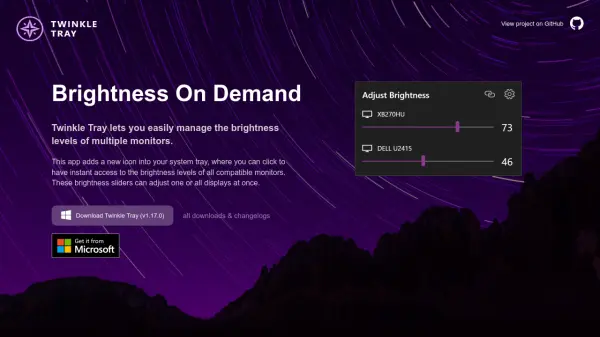
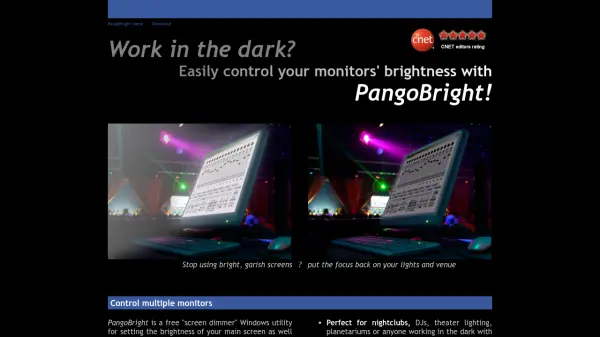
PangoBright is a free and lightweight Windows utility designed to dim your screens. It allows you to control the brightness of your main screen and external monitors independently. With a simple pop-up menu from the system tray, you can quickly adjust brightness levels for each connected monitor. This tool is ideal for professionals working in dark environments where bright screens are distracting, such as nightclubs, theaters, and planetariums. PangoBright is small, easy on your processor, and its sole purpose is to dim screens without affecting external video outputs like projectors.
Features
- Multi-Monitor Control: Independently dim main screen and external monitors.
- Lightweight: Small size (around 100K bytes) and minimal processor usage.
- System Tray Interface: Quick access via a pop-up menu from the system tray.
- Simple Brightness Adjustment: Scroll to desired brightness level and click.
- No Effect on External Output: VGA output remains unaffected for presentations.
Use Cases
- Dimming monitors in nightclubs and DJ booths.
- Adjusting screen brightness for theater lighting operators.
- Reducing monitor glare in planetariums.
- Controlling brightness for video presentations while keeping projector output full.
- Any environment where bright screens are distracting in the dark.
FAQs
-
What operating systems does PangoBright support?
PangoBright works on Windows 7, Vista, and XP. -
Is PangoBright free?
Yes, PangoBright is completely free to download and use. -
Can I control the brightness of each monitor separately?
Yes, you can choose which monitors to affect independently from the pop-up menu.