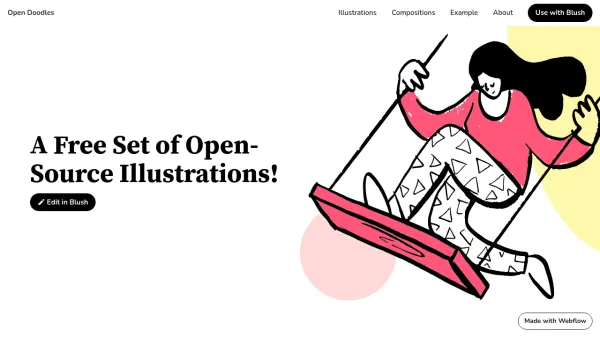
What is Open Doodles?
Open Doodles is a free and open-source library of illustrations designed to support creative projects without licensing restrictions. It offers a diverse set of doodle-style images that can be used in various applications, from websites to marketing materials, with no need for credit or payment.
The illustrations are available in multiple formats, including SVG, PNG, and GIF, ensuring compatibility with different design tools and platforms. Users can easily integrate these assets into their work, promoting accessibility and efficiency in visual content creation.
Features
- Free Illustrations: No cost for commercial or personal use with no attribution needed
- Open-Source: Freely accessible and modifiable illustrations under open-source terms
- Multiple Formats: Available in SVG, PNG, and GIF for versatile design integration
- Edit with Blush: Compatible with Blush for customizing illustrations to fit specific needs
- Compositions Included: Offers pre-made compositions for easier design implementation
Use Cases
- Enhancing website designs with custom illustrations
- Creating marketing materials with unique visual assets
- Developing educational content with engaging doodles
- Building presentations with professional-looking graphics
- Designing user interfaces with accessible and free imagery