What is Ollama?
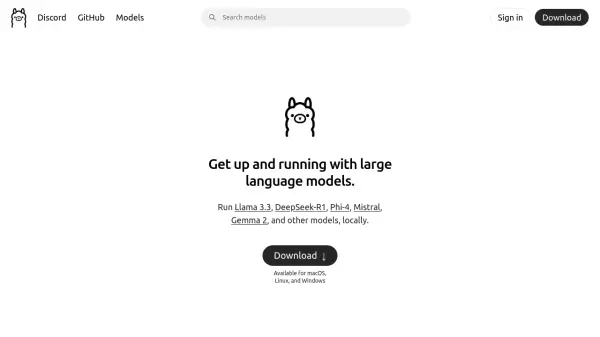
Ollama is a cutting-edge platform designed to bring the power of large language models directly to your local machine. It provides a seamless solution for users who want to run advanced AI models without relying on cloud services.
Supporting multiple operating systems including macOS, Linux, and Windows, Ollama makes sophisticated language models accessible for local deployment. The platform enables users to work with various prominent models such as Llama 3.3, DeepSeek-R1, Phi-4, Mistral, and Gemma 2, offering flexibility and choice in AI model implementation.
Features
- Local Deployment: Run AI models directly on your machine
- Multi-Model Support: Access to various language models
- Cross-Platform Compatibility: Available for macOS, Linux, and Windows
- Popular Model Integration: Support for Llama 3.3, DeepSeek-R1, Phi-4, Mistral, and Gemma 2
Use Cases
- Local AI development and testing
- Offline language model implementation
- Personal AI model deployment
- Private machine learning projects
FAQs
-
What operating systems does Ollama support?
Ollama supports macOS, Linux, and Windows operating systems. -
Which language models can I run with Ollama?
Ollama supports various models including Llama 3.3, DeepSeek-R1, Phi-4, Mistral, and Gemma 2.