notify.uno favicon

notify.uno
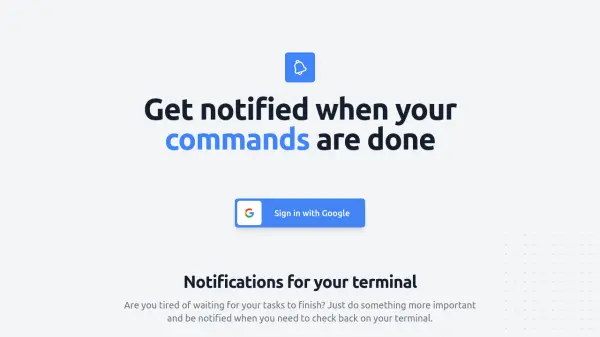
Get notified when your terminal commands are done

What is notify.uno?

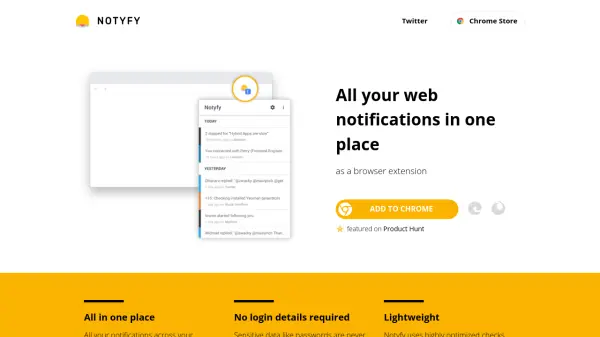
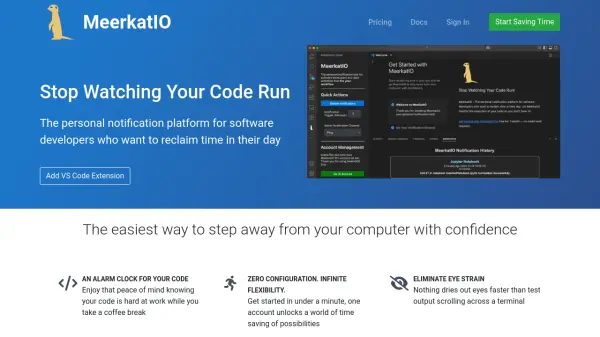
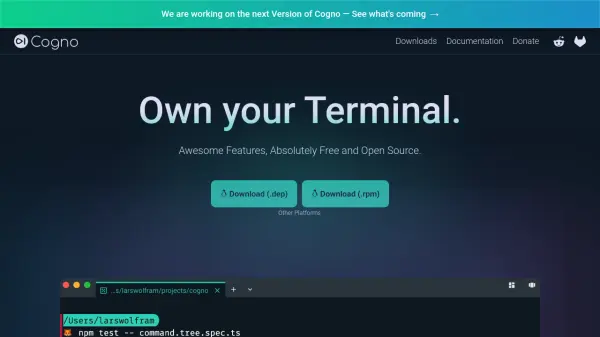
notify.uno provides a solution for developers and terminal users who need to track long-running commands without constant supervision. It leverages browser notifications to alert users when tasks finish, eliminating the need to manually check terminal output. The tool integrates seamlessly with existing workflows through a simple setup process.

Operating entirely in the browser, notify.uno requires no additional installations and works even when the webpage is closed. Its open-source nature allows users to inspect the codebase and contribute via GitHub, ensuring transparency and community-driven improvements. This approach enhances productivity by reducing downtime and enabling multitasking during command execution.

Features

  • Browser Notifications: Sends alerts when terminal commands complete
  • No Installation Required: Works directly in the browser without additional software
  • Open Source: Code available on GitHub for transparency and contributions
  • Easy Setup: Quick configuration with Google sign-in for immediate use

Use Cases

  • Monitoring long-running terminal commands
  • Receiving alerts for completed scripts or processes
  • Multitasking while waiting for command execution
  • Tracking background tasks without manual checks

Related Tools:

Blogs:

  • Ghibli Art Generator AI tools

    Ghibli Art Generator AI tools

    List of the best AI tools to turn your photos into images that look like Studio Ghibli movies. Easy to use and fun for everyone.

  • Long Videos into Viral Shorts

    Long Videos into Viral Shorts

    Klap.app is an AI-powered video editing tool that transforms long-form videos into engaging short clips optimized for platforms like TikTok, Instagram Reels, and YouTube Shorts

  • Top 6 AI note-taking tools for 2026: in-person, online, and hybrid use cases

    Top 6 AI note-taking tools for 2026: in-person, online, and hybrid use cases

    Most AI note-taking lists are really lists of meeting bots, which join your video call and transcribe it. That's useful, but it's half the picture. Decisions happen in hallway conversations, client dinners, on-site visits, and hybrid rooms where nobody is on a video link. This guide covers different parts of the note-taking workflow: hardware capture for in-person settings, platform-native tools for online calls, and AI layers for organizing and synthesizing what you've captured. It compares six tools by capture context, workflow fit, pricing, and limitations.

Didn't find tool you were looking for?

Be as detailed as possible for better results