What is myFrontpage?
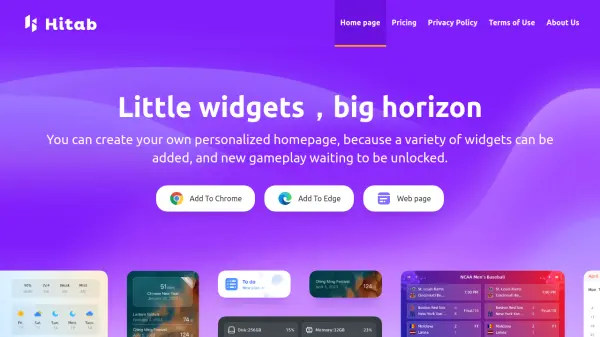
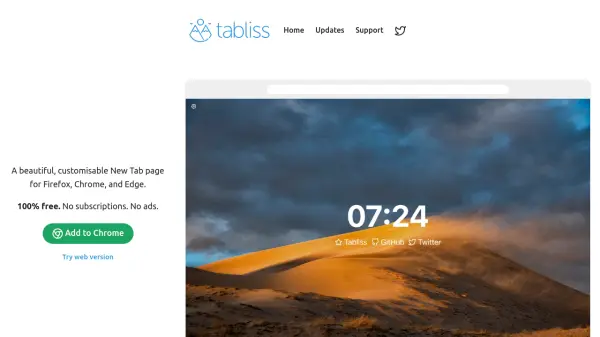
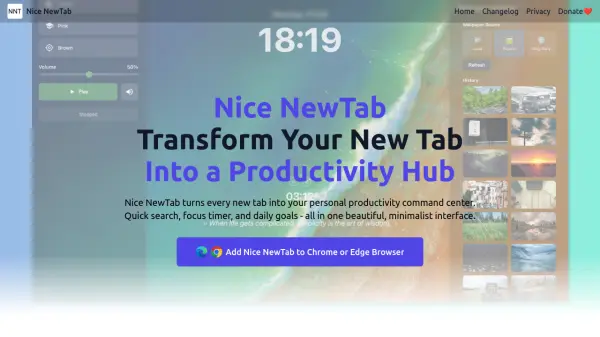
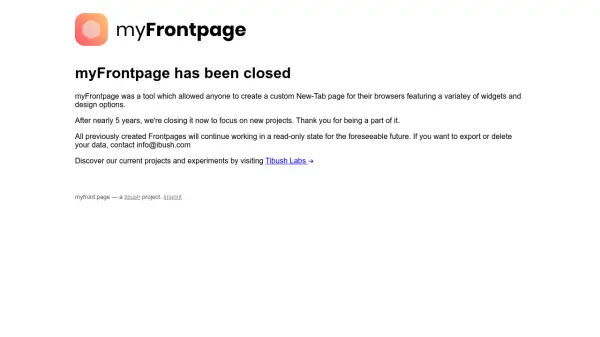
myFrontpage was a browser customization tool that allowed users to design and implement personalized New-Tab pages. It provided a platform for integrating various widgets and design elements, enhancing user experience through tailored browser interfaces. The tool operated for nearly five years before being discontinued to allow the development team to focus on new projects.
All previously created Frontpages remain accessible in a read-only state, ensuring continued functionality for existing users. For data management needs such as export or deletion, users are directed to contact the support team via email. The closure marks the end of active development, with the team encouraging exploration of their ongoing projects through Tibush Labs.
Features
- Custom New-Tab Pages: Create personalized browser start pages with various widgets
- Widget Integration: Add and customize multiple widgets for enhanced functionality
- Design Options: Utilize diverse design elements to tailor the appearance of New-Tab pages
- Browser Compatibility: Works with standard web browsers for seamless integration
Use Cases
- Personalizing browser start pages for improved productivity
- Creating customized dashboards for quick access to frequently used tools
- Designing aesthetic New-Tab interfaces for enhanced user experience
- Organizing browser bookmarks and widgets in a centralized location