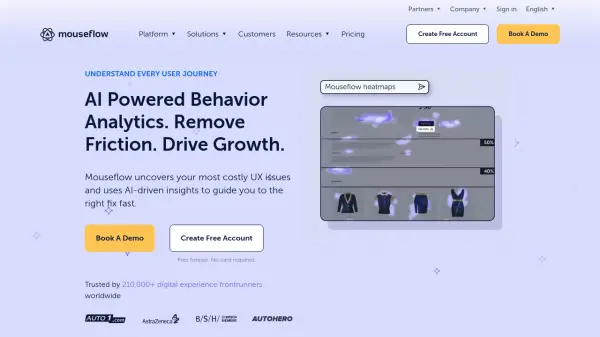
What is Mouseflow?
Mouseflow provides comprehensive behavior analytics through AI-driven insights that help businesses understand user interactions on their websites. The platform captures every click, scroll, hesitation, and interaction to reveal real user behavior patterns and identify issues that impact conversion rates.
With features including session replay, website heatmaps, friction detection, and journey analytics, Mouseflow enables teams to visualize engagement patterns, uncover hidden blockers, and prioritize fixes based on actual user data. The platform's AI assistant, Mina AI, automatically analyzes sessions to provide actionable insights without complex filtering or manual reviews.
Features
- Session Replay: Watch high-fidelity recordings of user sessions to understand real behavior and identify UX issues
- Website Heatmaps: Visualize user interactions with dynamic heatmaps showing clicks, scrolls, and attention patterns
- Friction Detection: Automatically identify usability issues and frustration points that impact conversion rates
- Journey Analytics: Track complete user paths to understand drop-off points and optimize conversion funnels
- Mina AI: AI assistant that analyzes sessions to uncover insights and opportunities for improvement
Use Cases
- Improve website conversion rates by identifying and fixing friction points
- Validate design decisions with real user behavior data
- Conduct efficient user research without manual session reviews
- Detect and fix website errors and broken interactions
- Increase content engagement through heatmap analysis
- Make data-driven decisions about website optimization
FAQs
-
What is included in the free trial?
The 14-day free trial provides full-feature access with no credit card required, including session replay, heatmaps, funnels, form analytics, feedback, journey analytics, friction detection, access to 2,000 sessions, 5 website projects, 10 funnels and 1 month of data retention. -
How does Mouseflow work?
Mouseflow tracks clicks, mouse movement, scrolls, forms, and page content as visitors browse your site, then sends this data to the platform for analysis. It uses AI to identify patterns and provide insights while maintaining privacy and security compliance. -
What happens when I run out of sessions?
Your account receives a monthly refill of sessions based on your plan. When you run out, all tracking stops until your next refill date unless you manually request a refill or upgrade in the dashboard. -
How do I install Mouseflow?
Installation involves adding a small JavaScript snippet before the closing body tag on your website. Mouseflow also offers several plugins and integrations for popular platforms. -
What is Mouseflow's refund policy?
Mouseflow offers a risk-free 14-day guarantee for annual plans (excluding Enterprise). First-time annual subscribers can request a full refund within 14 days of signing up if not satisfied.