Moltar favicon

Moltar
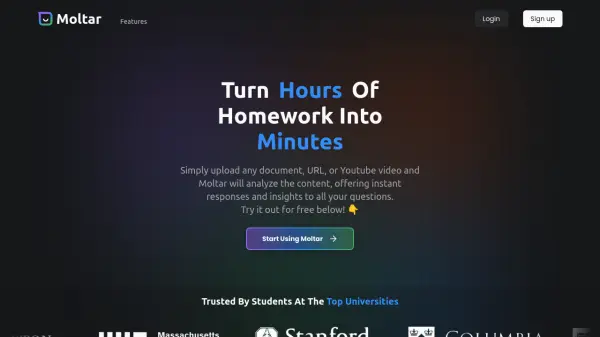
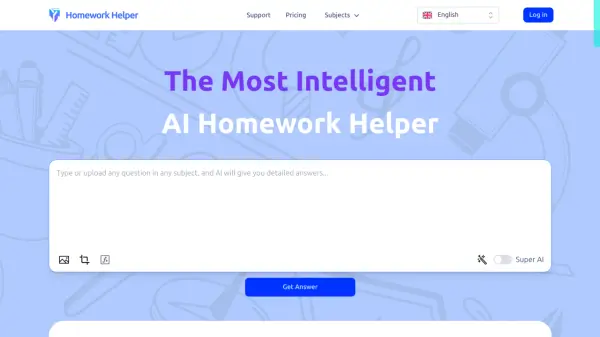
Turn Hours of Homework into Minutes

What is Moltar?

Moltar is an AI-powered tool designed to accelerate the learning process. By simply uploading any document, URL, or YouTube video, users can receive immediate responses and valuable insights related to their uploaded content. The platform analyzes the provided material thoroughly, enabling it to answer any questions users may have. It presents the uploaded content in a clean and easy-to-review format.

This tool significantly reduces time spent on research and information gathering.

Features

  • Document Analysis: Analyzes uploaded documents to provide answers and insights.
  • URL Analysis: Analyzes provided URLs to extract information and answer questions.
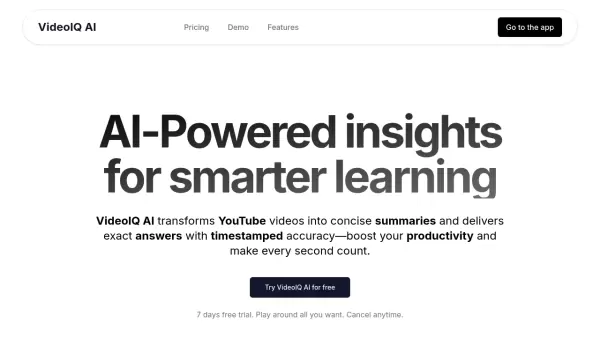
  • YouTube Video Analysis: Processes YouTube videos to provide insights and answer user queries.
  • Instant Responses: Offers quick answers to questions about the uploaded content.
  • Clean Content View: Provides a user-friendly interface to review uploaded materials.

Use Cases

  • Student research assistance
  • Content summarization
  • Quick information retrieval
  • Educational support
  • Data analysis from various sources
Related Tools:

Blogs:

  • Top AI tools for Teachers

    Top AI tools for Teachers

    Explore the top AI tools designed for teachers, revolutionizing the education landscape. These innovative tools leverage artificial intelligence to enhance teaching efficiency, personalize learning experiences, automate administrative tasks, and provide valuable insights, empowering educators to create engaging and effective educational environments.

  • Top AI tools for Students

    Top AI tools for Students

    These AI tools are designed to enhance the learning experience for students. From personalized study plans to intelligent tutoring systems.

  • Top 6 AI note-taking tools for 2026: in-person, online, and hybrid use cases

    Top 6 AI note-taking tools for 2026: in-person, online, and hybrid use cases

    Most AI note-taking lists are really lists of meeting bots, which join your video call and transcribe it. That's useful, but it's half the picture. Decisions happen in hallway conversations, client dinners, on-site visits, and hybrid rooms where nobody is on a video link. This guide covers different parts of the note-taking workflow: hardware capture for in-person settings, platform-native tools for online calls, and AI layers for organizing and synthesizing what you've captured. It compares six tools by capture context, workflow fit, pricing, and limitations.

Didn't find tool you were looking for?

Be as detailed as possible for better results