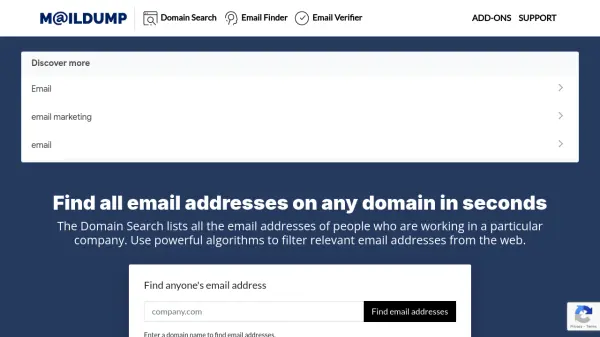
What is MailDump?
MailDump is a leading software company in the B2B email research industry, offering powerful tools to find and verify email addresses for professionals. It uses advanced algorithms to filter relevant email addresses from the web, enabling users to build targeted email lists efficiently.
The platform provides features like Domain Search to list all email addresses in a company, Email Finder to locate addresses by name and domain, and Email Verifier to validate emails in real-time. It supports outreach campaigns through browser extensions and in-app features, helping improve deliverability and sender reputation.
Features
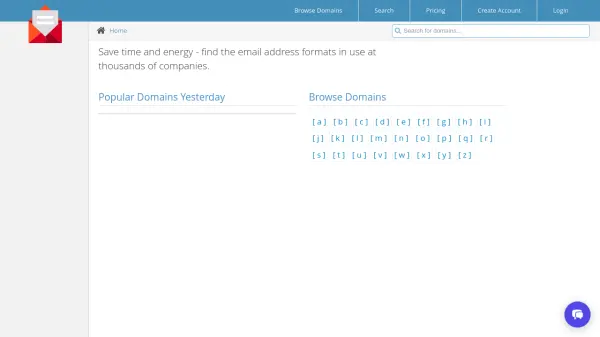
- Domain Search: Lists all email addresses of people working in a particular company using powerful algorithms
- Email Finder: Finds anyone's email address by company domain and name, processing millions of public data daily
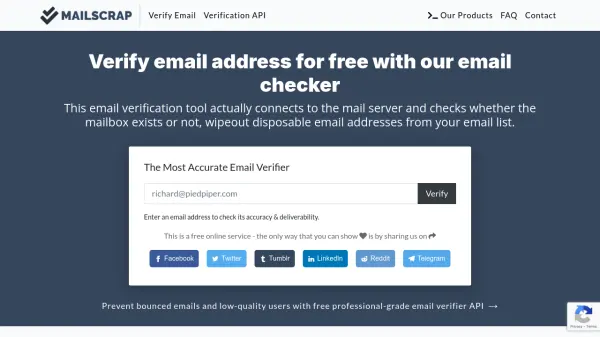
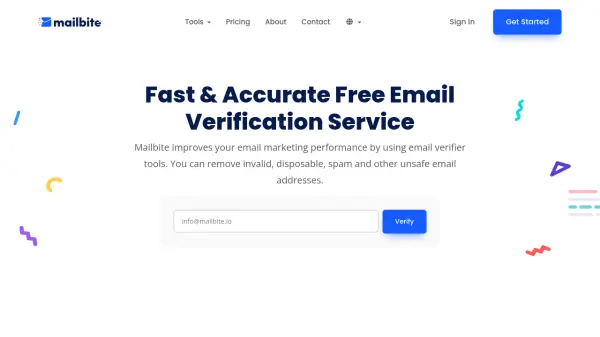
- Email Verifier: Validates email addresses in real-time to ensure deliverability and prevent bounces
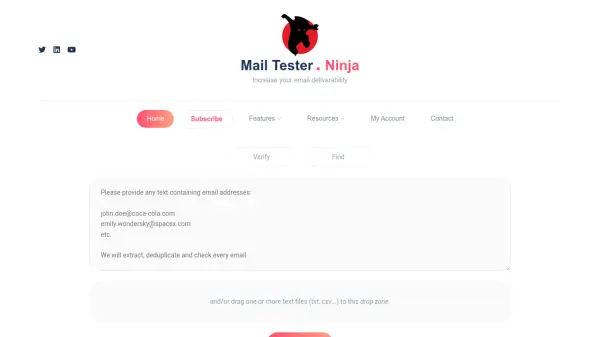
- Email Extractor: Extracts email addresses from web sources for building email lists
- Free Online Service: Offers a completely free email finding tool with optional features for enhanced lookup
Use Cases
- Building B2B email lists for outreach campaigns
- Validating email addresses to improve deliverability and sender score
- Finding contact information for sales leads and recruitment
- Conducting market research by gathering company email data
- Creating targeted email campaigns for marketing purposes