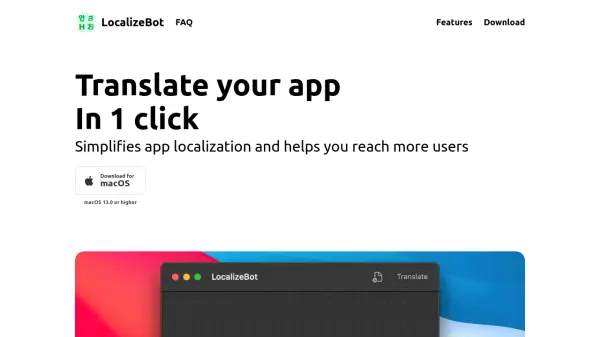

What is LocalizeBot?
LocalizeBot is a tool designed to simplify the process of app localization. It allows developers to easily translate their applications, helping them reach a broader audience.
The software supports both .xliff and .xcloc files and integrates seamlessly with the standard Xcode workflow. It offers one-click translation capabilities and utilizes Apple Glossaries to ensure consistency in common UI text translations. Users can choose between OpenAI and Google Cloud Translation services for their translation needs, and can also add contextual information to improve translation accuracy.
Features
- Drag and Drop: Drop .xliff or .xcloc files to LocalizeBot.
- One-Click Translation: Translate all files with a single click.
- Multiple Translation Services: Choose between OpenAI and Google Cloud Translation services.
- Xcode Integration: Integrates nicely with standard Xcode workflow.
- Apple Glossaries Support: Automatically translate common UI texts using translations from Apple.
- Contextual Translation: Add a brief description of your app to provide more context for AI translation.
- Comment Consideration: Comments are taken into consideration when performing translation.
Use Cases
- Translating iOS apps
- Localizing applications for different regions
- Expanding the reach of an app to a global audience
- Streamlining the translation workflow for developers
FAQs
-
How to translate iOS app using XCLOC file
See all FAQ on the LocalizeBot website for details.