What is LinkBlink?
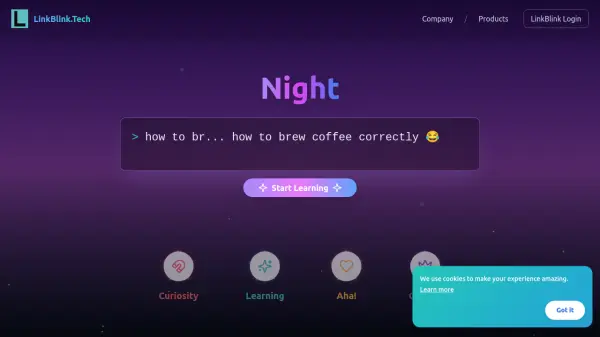
LinkBlink is an innovative platform that leverages artificial intelligence to deliver personalized, bite-sized educational content directly through popular chat applications like Telegram and WhatsApp. Designed for modern learners, it allows users to select topics, set goals, and engage with interactive micro-lessons and quizzes tailored to their interests and schedule.
The platform employs AI to analyze learning requests, generating customized learning plans composed of concise content units called 'learning bytes.' Users can track their progress, earn badges for achievements, and access supplemental resources all within their preferred messaging environments, eliminating the need for dedicated app installations.
Features
- AI-Powered Personalization: Automatically tailors learning content and schedules based on individual goals and topics.
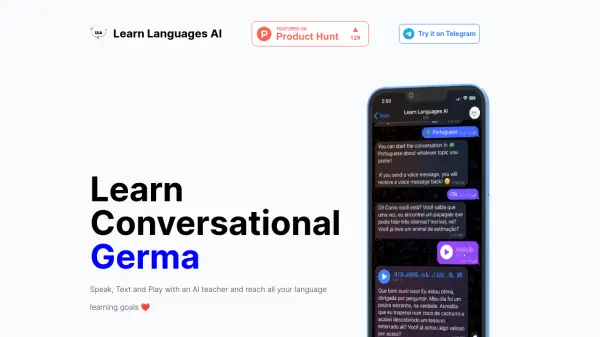
- Chat App Integration: Delivers lessons and interactions directly in Telegram and WhatsApp.
- Bite-Sized Content: Provides focused 'learning bytes' and quizzes for efficient, incremental learning.
- Progress Tracking: Enables users to monitor achievements and growth with badges and analytics.
- Request-Based Learning: Allows users to specify new learning topics and receive custom micro-courses.
Use Cases
- Upskill in database, API, and software testing fundamentals via chat.
- Prepare for interviews with targeted micro-lessons and quizzes.
- Learn new technical concepts on a flexible, self-paced schedule.
- Receive personalized educational content based on current role or aspirations.
- Track skill development and celebrate progress with motivational milestones.
FAQs
-
Which chat apps does LinkBlink support for learning?
LinkBlink delivers its AI-powered lessons and learning experiences through Telegram and WhatsApp, allowing users to learn directly within their preferred messaging app. -
Do I need to install a separate app to use LinkBlink?
No additional app installation is required; you can access LinkBlink’s content entirely within Telegram or WhatsApp. -
Can I choose the topics I want to learn?
Yes, LinkBlink allows you to pick your preferred topics and set your learning goals to receive a personalized curriculum. -
How are the learning materials structured?
Content is delivered as ‘learning bytes’—short, focused lessons followed by interactive quizzes and progress tracking. -
Is there a cost to use LinkBlink?
LinkBlink currently offers its educational resources and learning experiences for free.