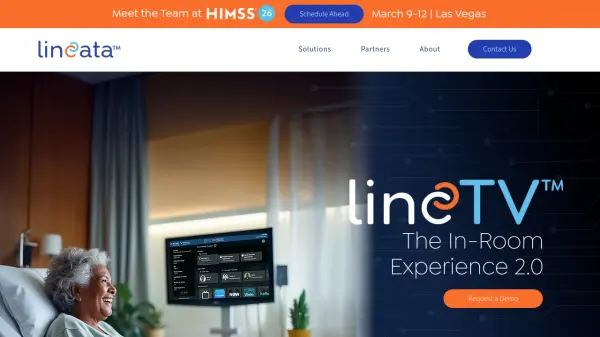
What is Lincata?
Lincata's LincTV + BedsideOS platform transforms existing hospital televisions into clinical devices by making them compatible with Epic MyChart Bedside TV. This In-room Connectivity and Engagement Platform (INCEP) enables patients to access critical electronic health record (EHR) information, connect with care teams through virtual visits, and receive medication schedules and educational content directly on their in-room screens.
The system integrates motion alert sensors and workflow connectivity to provide instant notifications, while also offering simplified streaming and entertainment options to boost patient engagement. By leveraging existing TV infrastructure, LincTV + BedsideOS creates smart hospital rooms that enhance the patient experience through connected care delivery.
Features
- EHR Integration: Compatible with Epic MyChart Bedside TV for patient access to health records
- Virtual Care Connectivity: Enables patients to connect with care teams through virtual visits
- Sensor Integration: Works with motion alert sensors for instant notifications and workflow connectivity
- Patient Education Delivery: Provides rapid access to medication information and prescribed education content
- Entertainment Streaming: Offers simplified streaming options to boost patient engagement
Use Cases
- Enhancing patient engagement during hospital stays through interactive health information access
- Facilitating virtual care visits between patients and healthcare providers
- Delivering medication schedules and educational content to patients at bedside
- Integrating motion sensors for patient monitoring and alert systems
- Transforming existing hospital TV infrastructure into clinical communication tools