What is LaTeXToImage?
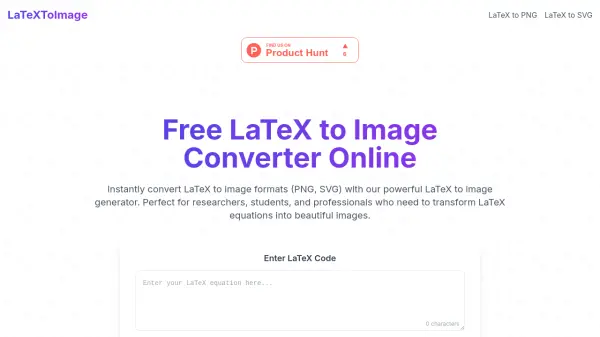
LaTeXToImage is a free online tool that converts LaTeX code into image formats such as PNG, JPG, and SVG. It provides instant conversion with customizable settings including text color, scale, display mode, and transparent background. The tool supports complex mathematical expressions, physics formulas, chemical equations, matrices, and statistical formulas.
Users can preview their LaTeX code in real-time before downloading the resulting image. No registration is required, making it convenient for quick conversions. The generated images are ideal for use in academic papers, presentations, websites, and teaching materials.
Features
- Lightning Fast Conversion: Transforms LaTeX to image in milliseconds.
- Multiple Export Formats: Supports PNG, JPG, and SVG formats.
- Customizable Settings: Adjust text color, scale, display mode, and transparent background.
- Real-Time Preview: See instant preview of the converted image.
- No Registration Required: Use the tool without signing up.
Use Cases
- Convert LaTeX equations for academic papers and research documents.
- Create mathematical images for educational materials and presentations.
- Generate physics, chemistry, and statistical formula images for blogs.
- Produce scalable LaTeX graphics for web and print using SVG.
- Transform matrix expressions and calculus equations into shareable visuals.
FAQs
-
How do I transform LaTeX to image files?
Paste your LaTeX code into the editor, customize settings if needed, and click 'Convert'. The tool will generate a downloadable image instantly. -
What image formats does your LaTeX to image generator support?
It supports JPG, PNG, and SVG formats. PNG and JPG are raster images for web use, while SVG provides scalable vector graphics. -
Can I customize the output style when I convert LaTeX to image?
Yes, you can adjust text color, scale, resolution, display mode, and background transparency. -
How can I include my LaTeX images in documents?
After downloading the image, insert it into Word documents, PowerPoint presentations, web pages, or any document that supports images.