
What is JuxtaCode?
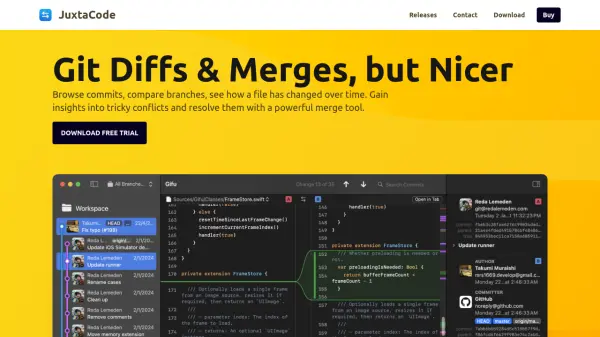
JuxtaCode offers developers an efficient and visually enhanced environment to browse, compare, and merge code changes within Git repositories or any plain text files. Designed for macOS, it simplifies navigating commit histories, scrutinizing branch differences, and understanding file evolution over time by offering expanded changesets, syntax highlighting, and intuitive tabs.
Its adaptive 3-way merge tool provides line- and word-level conflict resolution, helping users untangle even the most complex merges. JuxtaCode integrates with popular Git clients and Visual Studio Code, supports robust commit searches, and allows users to launch diffs and merges directly from the command line, making it a core productivity enhancer for developers managing workflows and resolving code conflicts.
Features
- Commit Browsing: Quickly review project timelines with an intuitive commit sidebar and expanded changesets.
- Branch and File Comparison: Select and compare any two commits, branches, or files side by side with syntax highlighting.
- Three-Way Merge Tool: Resolve complex code conflicts efficiently with dynamic line- and word-level difference highlighting.
- Advanced Commit Search: Locate specific changes by message, hash, branch, or tag.
- File History Tracking: View a file’s evolution, including changes after renames or moves.
- Branch and File Filtering: Focus on relevant parts of the codebase by advanced filtering options.
- Integrations: Seamless workflow with Visual Studio Code and leading Git clients like Tower, Gitfox, and Fork.
- Command Line Access: Launch diff and merge sessions directly from the terminal.
- Plain Text Support: Compare and merge any plain text files, even outside Git repositories.
Use Cases
- Resolving complex Git merge conflicts in large codebases.
- Reviewing and auditing code changes across multiple commits or branches.
- Comparing different versions of a file or project to identify changes.
- Tracking the full history and evolution of specific files, even through renames.
- Integrating advanced diff and merge capabilities into existing development workflows.
- Launching diffs and merges from the command line for fast access.