What is ImageKit?
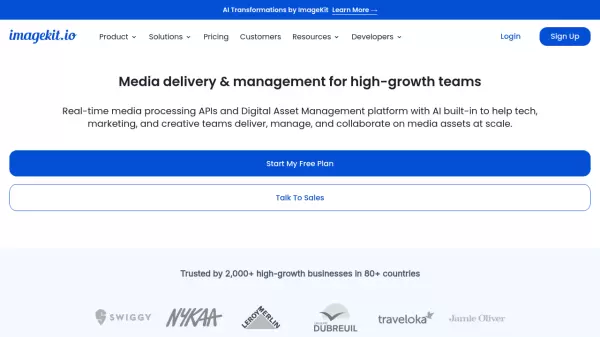
ImageKit provides a unified platform for media optimization, transformation, and management. The platform offers real-time media processing capabilities with over 50 transformation options for images and videos, supporting modern formats like AVIF, HEIC, WebM, and WebP. It features AI-powered tools for image creation, transformation, and asset management.
The platform integrates seamlessly with existing cloud infrastructure and includes advanced features like centralized asset storage, AI-powered tagging, visual search, and collaborative tools for cross-team asset management. Its enterprise-grade capabilities include custom CDN integration, SSO, and dedicated support options.
Features
- Real-time Media Processing: 50+ optimization and transformation options via URL-based API
- AI-Powered DAM: Centralized storage with intelligent tagging and visual search
- Dynamic Media Personalization: Create customized banners and visuals with text and image overlays
- Collaborative Tools: Version control, feedback tracking, and secure asset sharing
- Advanced Format Support: AVIF, HEIC, WebM, WebP compatibility
- Generative AI: Text-to-image creation and image editing capabilities
Use Cases
- E-commerce product image optimization
- Marketing asset management
- Cross-team digital content collaboration
- Dynamic banner generation
- Video content delivery
- Brand asset organization
FAQs
-
How is bandwidth calculated?
ImageKit calculates bandwidth based on the final output object size. If an original 3MB file is optimized to 150KB, you are billed for 150KB of bandwidth per access. -
What are video processing units?
Video processing units vary by output resolution: 1 second of SD video = 1 unit, HD = 2 units, 4K = 4 units, 8K = 8 units, and 16K = 16 units. -
What's included in the free plan?
The free plan includes 25GB media delivery bandwidth, 5GB DAM storage, 500 video processing units, and 3 user seats.