What is iHeadshot.AI?
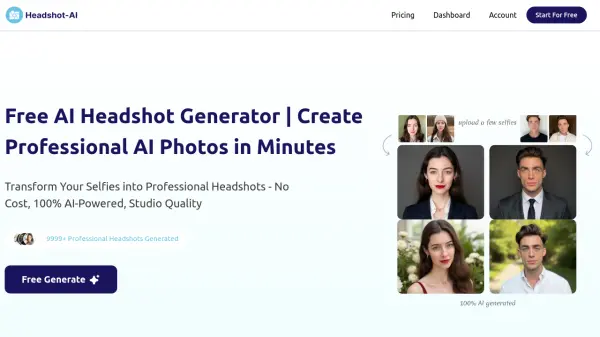
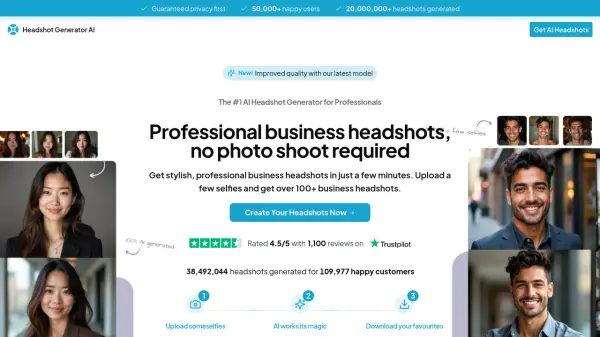
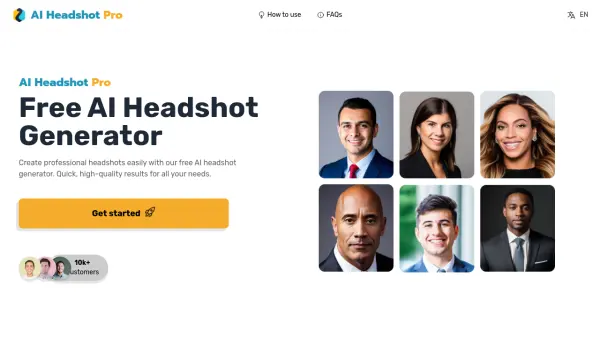
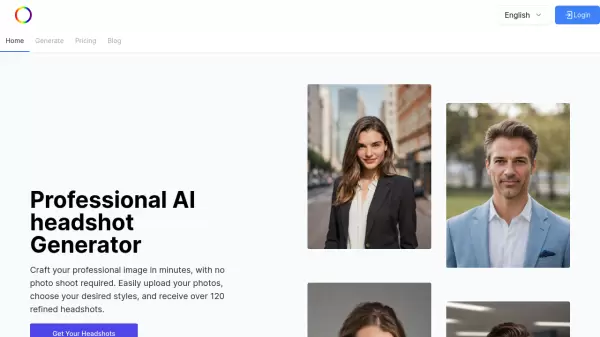
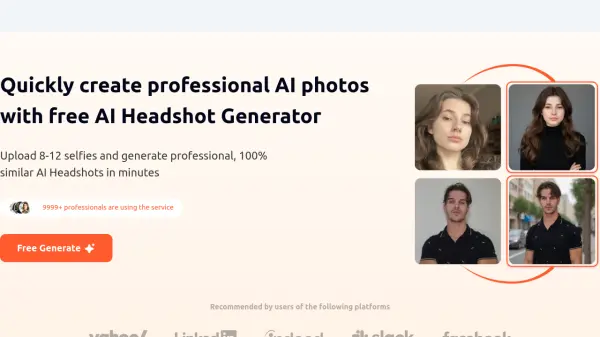
iHeadshot.AI revolutionizes professional photography by leveraging advanced AI technology to create studio-quality headshots without the traditional expenses and time commitments of professional photo sessions. The platform employs sophisticated AI models to generate highly accurate, personalized portraits that maintain 99% likeness to the original photos.
The service operates through a streamlined process where users upload 8-12 selfies, and the AI transforms them into diverse, high-resolution headshots suitable for professional use. With robust privacy protection, rapid processing capabilities, and multiple style options, the platform delivers versatile solutions for various professional imaging needs while ensuring data security through enterprise-grade encryption.
Features
- AI Portrait Generation: Transforms regular selfies into professional headshots
- Quick Processing: 20-minute delivery for premium users
- Privacy Protection: Enterprise-grade encryption and automatic photo deletion
- Multiple Styles: Various outfits and background options
- Customization Options: Adjustable settings and style preferences
- High Accuracy: 99% likeness preservation in generated images
- Bulk Generation: Multiple variations in each batch
- Cost Efficiency: Professional results without expensive photo sessions
Use Cases
- LinkedIn profile photos
- Corporate websites and directories
- Professional resumes
- Business profiles
- Team member portraits
- Personal branding
- Dating profile pictures
- Children's portraits
FAQs
-
How long does AI headshot generation take?
Processing times vary by subscription level. Free users wait 2 hours to 2 days depending on GPU availability, while premium users receive results in approximately 20 minutes. -
How many photos do I need to upload?
Users need to upload 8-12 photos of faces without any obstructions for optimal results. -
What are the differences between free and paid plans?
Free plans include longer processing time and watermarked images with limited style options. Paid plans offer rapid generation, watermark-free images, more style options, higher quality, and multiple tiers for different needs.