What is Hapticlabs?
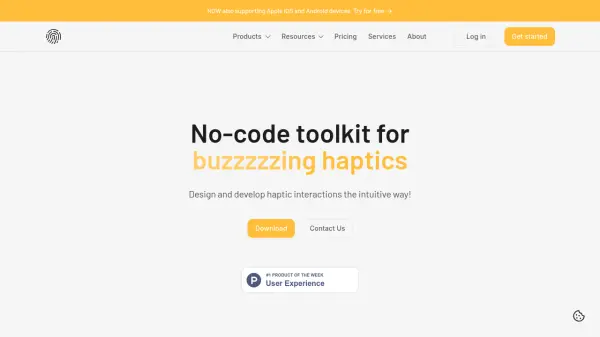
Hapticlabs offers a comprehensive ecosystem for creating haptic experiences. Their no-code platform, Hapticlabs Studio, allows users to design custom haptic patterns and signals without writing any code.
The platform provides tools like the DevKit and Mobile App for real-time evaluation and prototyping on various devices, facilitating rapid iteration and user testing. Hapticlabs enables seamless design, evaluation, and deployment of haptic feedback, streamlining product development cycles.
Features
- No-code Design: Create haptic patterns without coding.
- Real-time Evaluation: Test designs instantly with DevKit or Mobile App.
- Cross-device Development: Build experiences for multiple devices.
- Rapid Prototyping: Quickly prototype and iterate on haptic designs.
- User Testing: Evaluate feedback variations in the final context.
- Deployment Support: Tools and support for deploying designs.
- AI-powered Studio: Hapticlabs Studio is now powered by AI (mentioned in recent posts).
Use Cases
- Product Development: Integrate haptic technology into new products.
- Educational Purposes: Teach haptic technology and prototyping.
- Research Applications: Expedite haptic research with a modular platform.
- DIY & Maker Projects: Create haptic-enabled prototypes.
FAQs
-
Is there a discount for education and non-profits?
Yes, Hapticlabs offers custom rates for students, teachers, and individuals involved in education and non-profit projects. Contact them to discuss your project. -
What if I need multiple licenses or want to run a workshop?
Contact Hapticlabs to discuss options for multiple licenses or workshop arrangements.