
What is GYMLIFE?
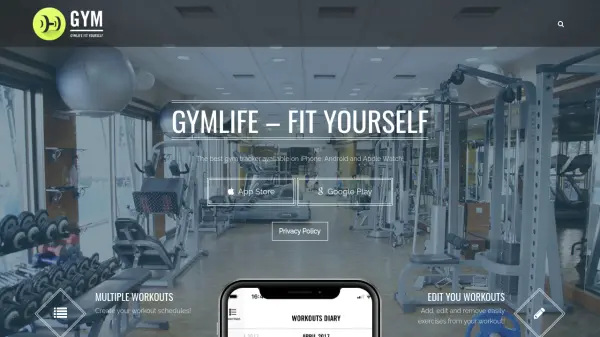
GYMLIFE provides a versatile platform for fitness enthusiasts to manage their workout routines effectively. Users can create custom workout schedules, add or edit exercises, and track detailed session data including rest time, weight, and repetitions. The app offers specialized features like GymLoad to visualize muscle groups trained during sessions and weekly workload analysis.
With native Apple Watch support, users can track workouts hands-free, access exercise information directly on their watch, and save session data for later review on their iPhone. The app supports both weight lifting and cardio sessions, making it suitable for various fitness activities.
Features
- Multiple Workouts: Create custom workout schedules with exercises
- Workout Editing: Add, edit, and remove exercises from workouts easily
- Session Tracking: Check schedule during workouts with rest time, weight, and rep data
- Progress Monitoring: Review past session data and workload with GymLoad function
- Weekly Analysis: Check weekly workload and training patterns
- Exercise Information: Get detailed info and descriptions about exercises
- Watch Integration: Track workouts natively on Apple Watch without iPhone
- Cardio Support: Track cardio sessions with main info accessible at a glance
- Data Storage: Save session data and review on iPhone
- Muscle Visualization: Watch trained muscle groups with GymLoad feature
Use Cases
- Creating personalized workout schedules
- Tracking gym sessions with detailed metrics
- Monitoring weekly training workload
- Visualizing muscle groups trained during workouts
- Managing cardio exercise sessions
- Accessing exercise information during workouts
- Tracking workouts hands-free with Apple Watch
- Reviewing historical fitness progress
- Editing workout parameters on the go
- Synchronizing fitness data across devices