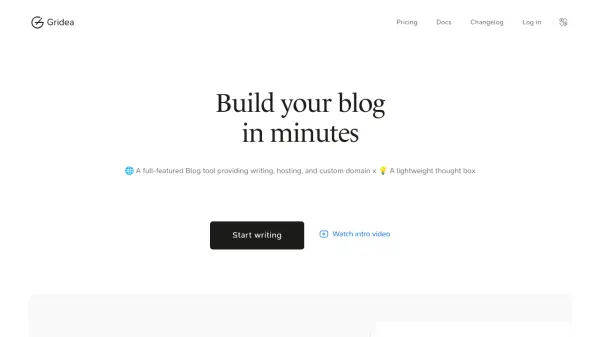
What is Gridea?
Gridea is a modern blog creation platform designed to help users easily establish and manage their digital presence. With its comprehensive toolkit, Gridea offers a seamless writing experience through its WYSIWYG Markdown editor, enabling both quick note-taking and long-form content creation. Users can benefit from built-in cloud hosting, effortless custom domain integration, image hosting, and automated SEO, ensuring their websites are not only visually appealing but also optimized for search engines.
The platform stands out with versatile features such as responsive design, visit analytics, RSS support, customizable homepage layouts, and a robust tagging system for content organization. Additionally, Gridea supports up to three fully-featured sites under a single account, provides unlimited posts, pages, and thought boxes, and ensures security with automatic HTTPS. The Thought Box serves as a streamlined notebook for ideas, which can be easily published to the blog, making Gridea an ideal choice for bloggers, writers, and digital garden enthusiasts.
Features
- WYSIWYG Markdown Editor: Supports full CommonMark and GFM syntax for effortless content formatting.
- Cloud Hosting: Secure and fast hosting through Vercel's edge network and Supabase data storage.
- Custom Domain Support: Easy integration of personal domains with automatic HTTPS.
- Responsive Design: Ensures optimal blog appearance across devices.
- Image Hosting: Quick and hassle-free built-in image management.
- SEO Automation: Automated search engine optimization for posts and pages.
- Visit Analytics: Provides insights into website traffic and visitor engagement.
- Tagging System: Organize content efficiently using tags.
- Unlimited Content: Supports unlimited posts, pages, and thought boxes.
- Thought Box: Integrated digital notebook for capturing and publishing fleeting ideas.
Use Cases
- Creating personal or professional blogs with custom domains.
- Managing multiple websites under a single account.
- Organizing and archiving thoughts or notes for future publishing.
- Showcasing portfolios or digital gardens for creatives.
- Tracking website performance using analytics.
- Quickly saving and categorizing links or resources for later reading.
- Automating SEO best practices without manual effort.
FAQs
-
How many websites can I create with a Gridea subscription?
With a Gridea subscription, you can create and manage up to three fully-featured websites under a single account. -
Does Gridea support custom domain integration?
Yes, Gridea allows easy integration of your custom domain with automatic HTTPS support for secure browsing. -
Is there a limit on the number of posts or thought boxes?
Gridea supports unlimited posts, pages, and thought boxes, allowing for extensive content creation and management. -
What kind of analytics does Gridea provide?
Gridea offers visit analytics to help users track website performance and understand visitor engagement. -
Are images hosted on Gridea's platform?
Yes, Gridea provides built-in image hosting, enabling quick and easy management of visual content for blogs.